Trackit Mk3 User Manual
38
Figur e 3 1 Lif t t he PCU a w ay fr om t he Tra ck it M k 3
Attaching the PCU
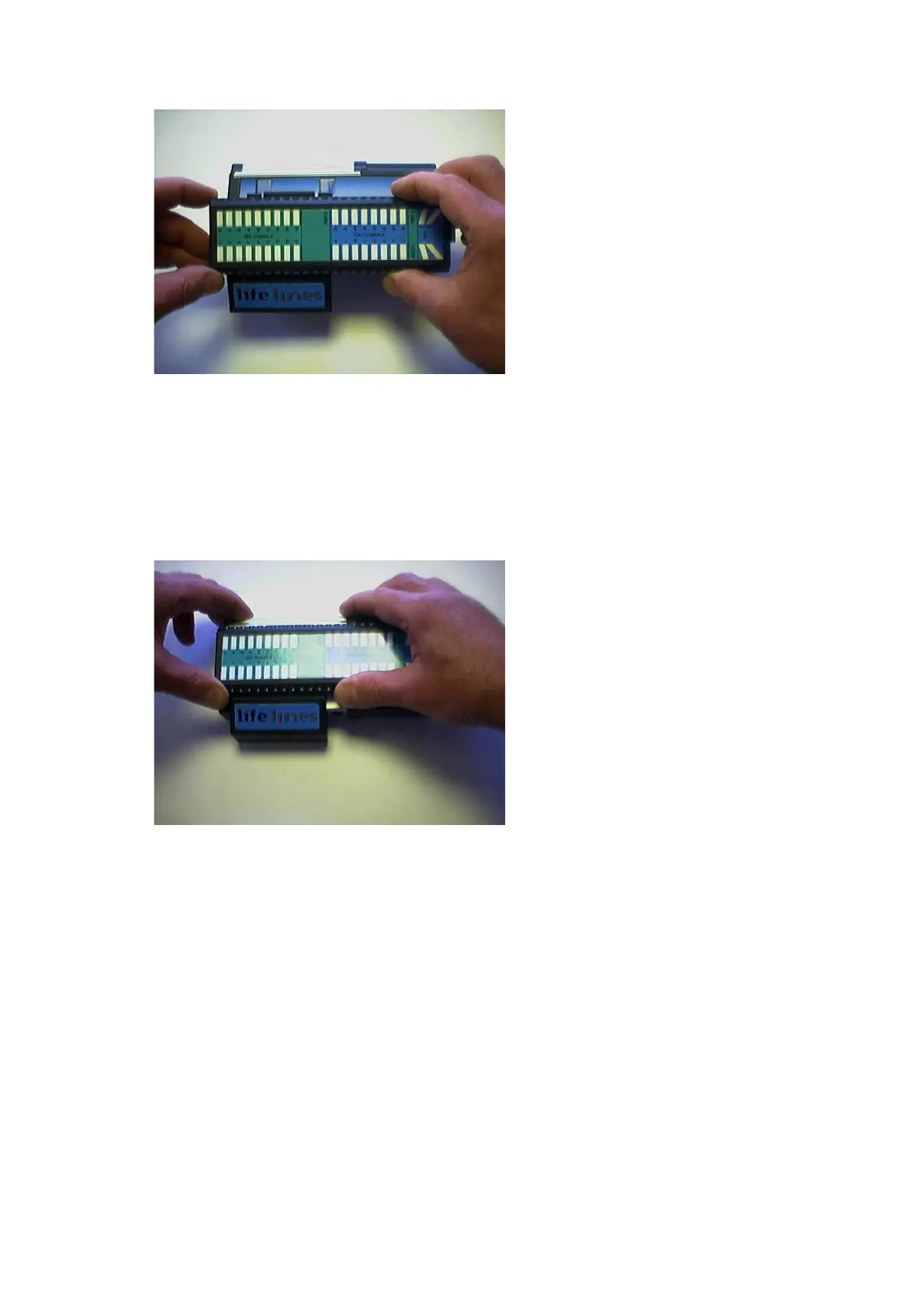
5 Posit ion t he PCU above t he Trackit Mk3 as shown above in Figure 31 and lower it down en-
suring t hat the t wo t abs locat e fully int o the slots in the t op of t he Trackit Mk3.
6 Squeeze as shown below bet ween fingers and t hum b of each hand unt il t he PCU locates fully
on t he Trackit Mk3. Make sure t he two tabs of the PCU are locat ed correctly inside the slot s
in the top of the Trackit Mk3. Lock t he PCU wit h the ret aining screw as described above.
Figur e 3 2 Locat ing t he PCU
5. 3 Event marking
Once a recording has com m enced, t he butt on on t he front panel of Trackit Mk3 act s as an event
m arker. Events are st ored in an event file ( filenam e.tev) , from which on review t he event s are in-
sert ed int o t he displayed data.
You can view event s before replaying t he recording using your EEG review program or t he
Eventit .exe program t hat com es wit h t he Trackit inst allation.
Trackit Mk3 can record 15 different event types. These can be seen by looking at t he Trackit event
types in t he online event viewer. See Trackit Event s, in St ep 9.
5. 4 Ending a recording
To st op a recording:
1 Connect the Trackit Mk3 t o the host soft ware.
2 Click on the Stop Recording butt on in t he Trackit cont rol panel.



 To Next Page