Trackit Mk3 User Manual
37
5. 2 Fitting the Clickon PCU
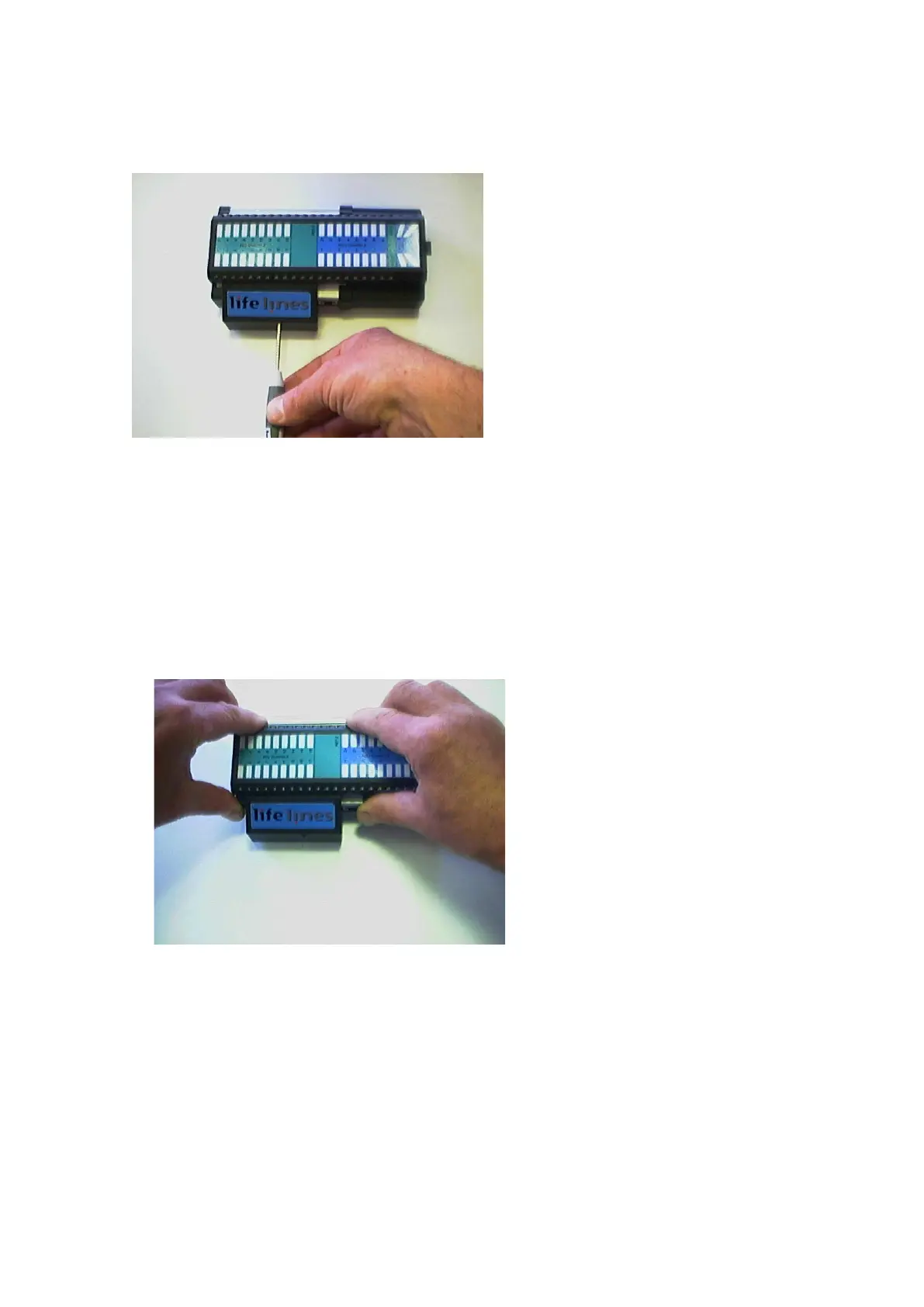
Retaining screw location
Figur e 2 9 Clickon PCU Re t a ining screw loca t ion
1 Release the Clickon PCU by unscrewing the retaining screw as shown wit h the special tool
provided.
2 Lock by screwing up t he ret aining screw.
CAUTI ON : do not ove r - t igh t e n t h e lock ing scr e w – finge r t igh t is all t h a t is re quired.
Detaching the Clickon PCU
3 Ensure t hat t he ret aining screw is released as described above. Squeeze as shown below be-
tween fingers and t hum b of each hand unt il t he PCU m oves by about 5m m and unplugs
from the Tr ackit Mk3.
Figur e 3 0 Det a ch t he PCU
4 Lift the PCU away from t he Trackit Mk3.



 To Next Page