Trackit Mk3 User Manual
20
4 The setup software
The set up software is available on CD. A readm e file describes inst allat ion. Check with your distrib-
ut or or Lifelines if a newer version of software is available.
Trackit set up soft ware is supported on Microsoft Windows 2000 (wit h SP2) , Windows XP, Windows
Vist a and Windows 7.
When Trackit Mk3 is connect ed to t he host PC, t he soft ware allows the user to define param et ers
for the recording, such as recording m ont age, st art tim e and stop tim e, m ode of recording etc.
The set up software has the following functions:
Define signal types: creat e labels to att ach t o input s
At t ach t he desired signal type ( label) to t he recording input. For exam ple, input 1 wit h a signal
type FP1
Create a recording m ont age and download it to t he recorder
Perform a calibrat ion of t he inputs
View signals online and adj ust display param et ers such as chart speed and display sensitivit y
St art and st op a Trackit recording session
4. 1 Setting up a recording protocol
Summary
St ep 1 Define the pat ient I D
St ep 2 Define the signals
St ep 3 Define the inputs
St ep 4 Define the recording channels
St ep 5 Act ivat e t he recording control
St ep 6 Connect the Tr ackit Mk3 for set up
St ep 7 Check Trackit Mk3 stat us
St ep 8 St art a recording
St ep 9 View the ongoing EEG traces
Step 1 Define the patient ID
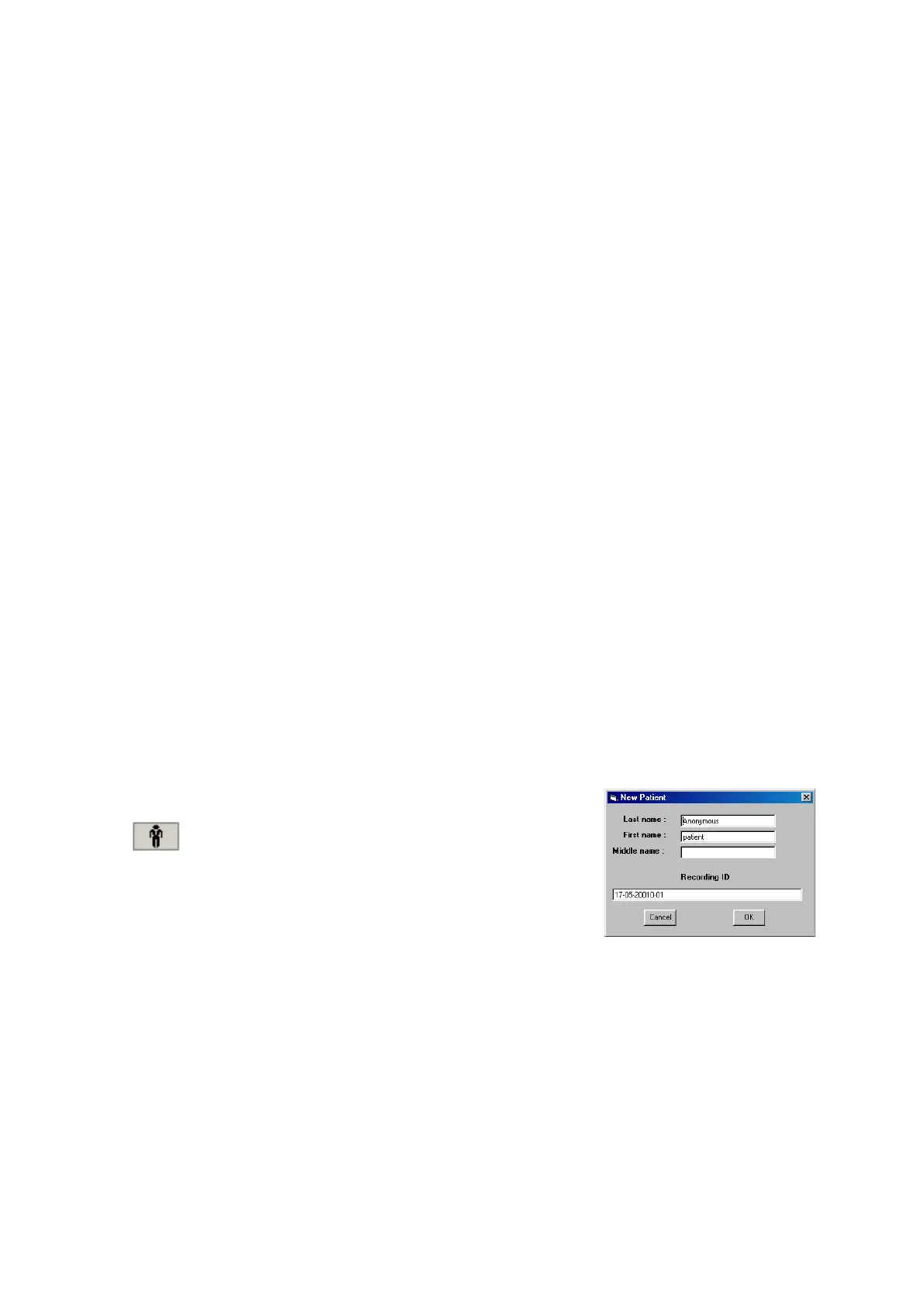
1 Select the New pat ient icon on t he toolbar.
New Pat ient icon
2 Ent er the pat ent nam e and Recording I D into t he New Pat ient di-
alog.
This inform at ion is saved wit h the recording set up for download
to t he recorder in a fut ure recording.
I t is possible to configure the syst em t o use a patient dat abase ( Figure 6) inst ead of t he sim ple di-
alog shown above.
Figur e 5 N e w Pat ient dia -
log



 To Next Page