Trackit Mk3 User Manual
52
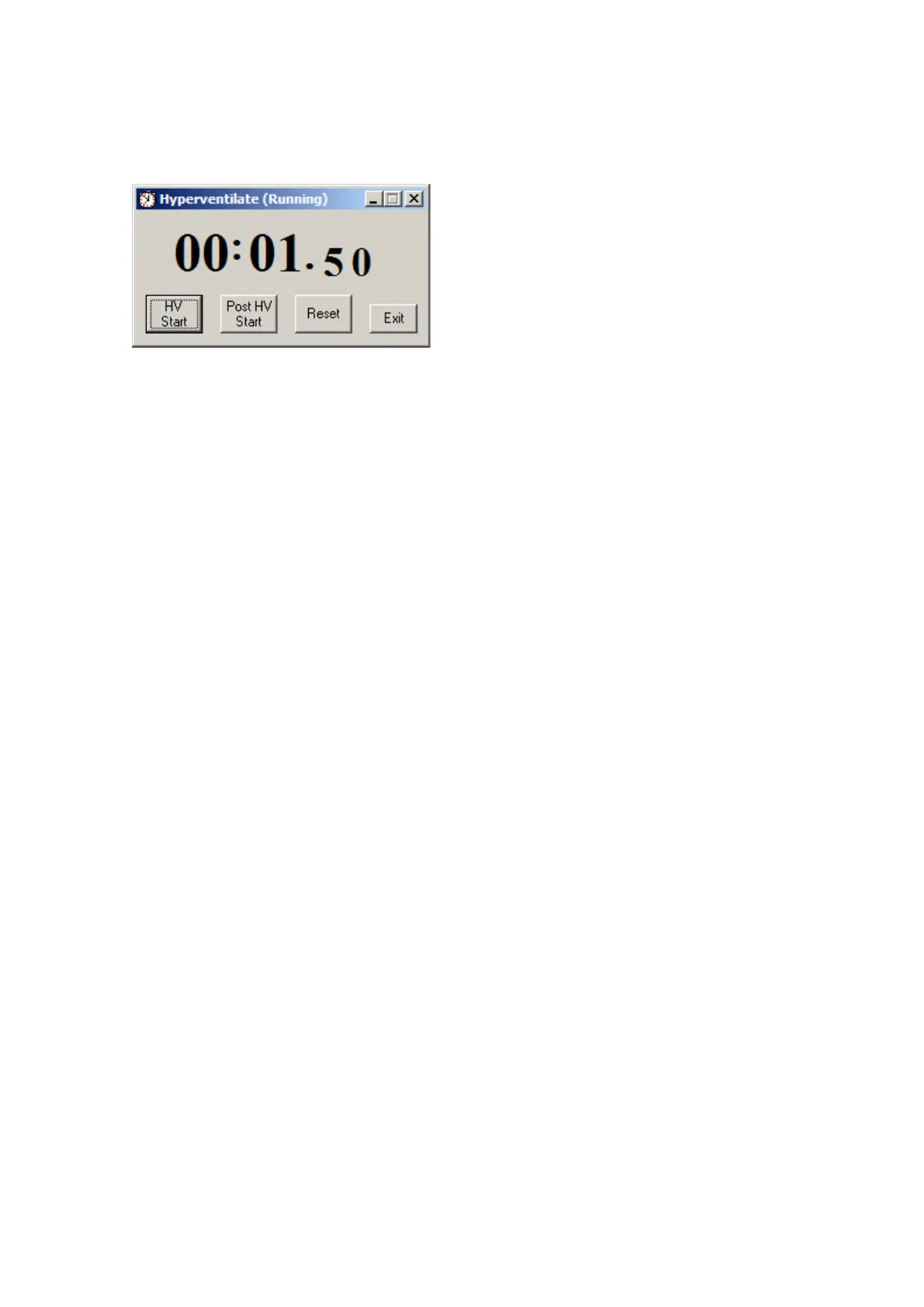
Click on t he Hypervent ilat ion icon on the top toolbar t o bring up t he cont rol window as shown be-
low.
Figur e 4 4 H y pe r v e n t ilat ion con t r ol w indow
This provides a digit al timer, which is used as follows:
• Click on HV Start to st art the HV period and the t im er start s running. An ‘HV St art ’ event is
recorded.
• Thereafter an ‘HV’ event is aut om at ically generat ed every 10 seconds.
• Click on Post HV Start t o start the post HV period. A ‘Post HV St art ’ event is recorded.
• Thereaft er a ‘Post HV’ event is aut om at ically generat ed every 10 seconds.
• Click on Reset or Exit to end t he hypervent ilat e activation.
Note t hat the Post HV St art will not work unless HV is in progress. Likewise, HV Start will not work
if Post HV is in progress.



 To Next Page