LinMot
Configuration Software
User Manual V1.01 5-39
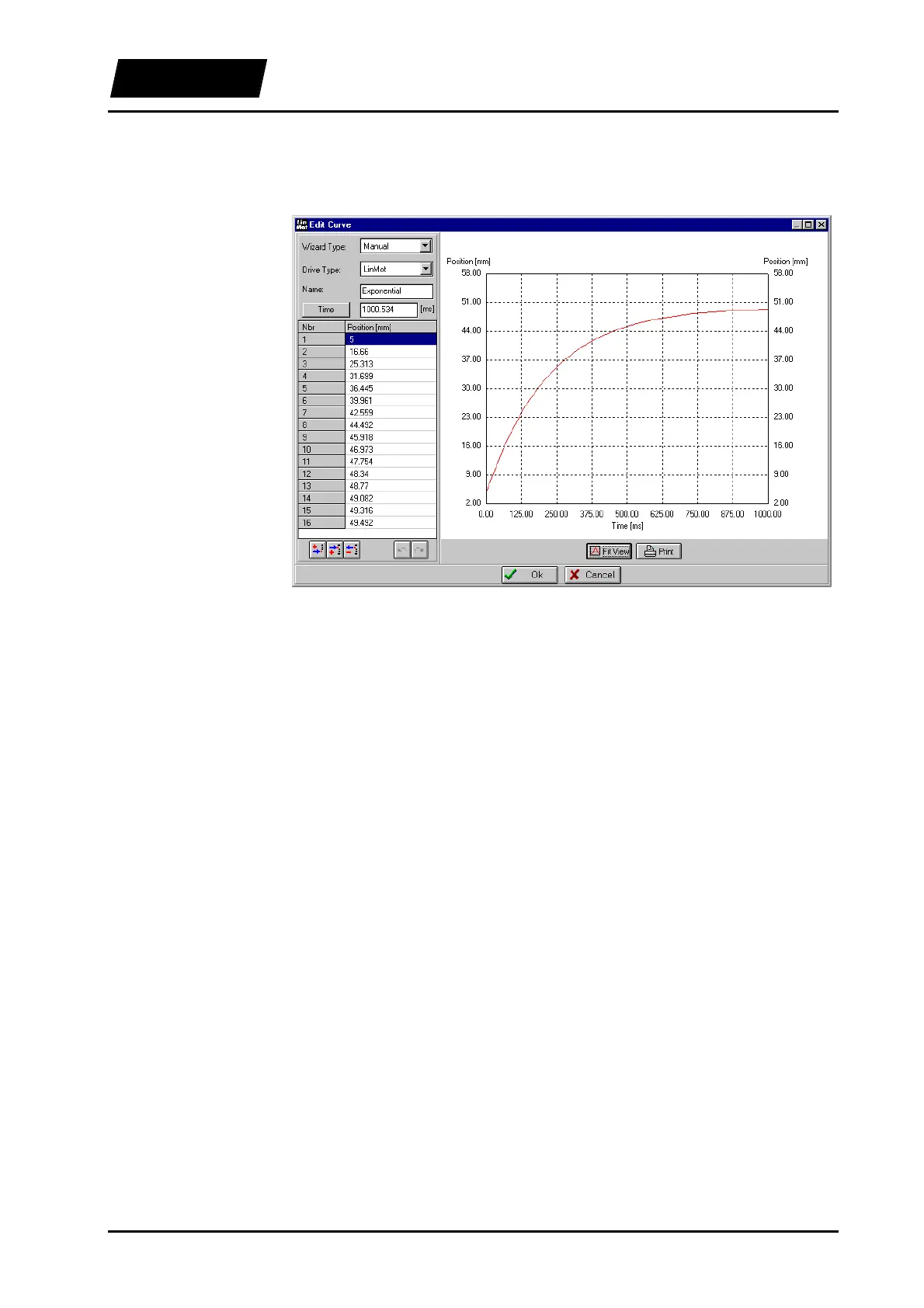
We now load the file in the Curve Inspector (ExelTest.csv) and take a look at the curve,
that should appear as follows:
Figure 5-32: “Exponential” curve
There are many other possibilities in Excel. Some are listed here briefly:
• Changing the number of points in a curve by inserting or deleting
• Calculating the time with formulas
• Renaming curves
• Changing motor type
• Inserting or deleting entire curves
• Defining and calculating complex curves with special macros (ev. interactive)
It is important that the structure of the file remains unchanged (curve header, values and
the keyword “$END” after the last curve).



 To Next Page