Camera & Photos
98
Deleting Your Photos and Videos
While viewing your Photos & Videos, you can delete any photos that you
no longer need.
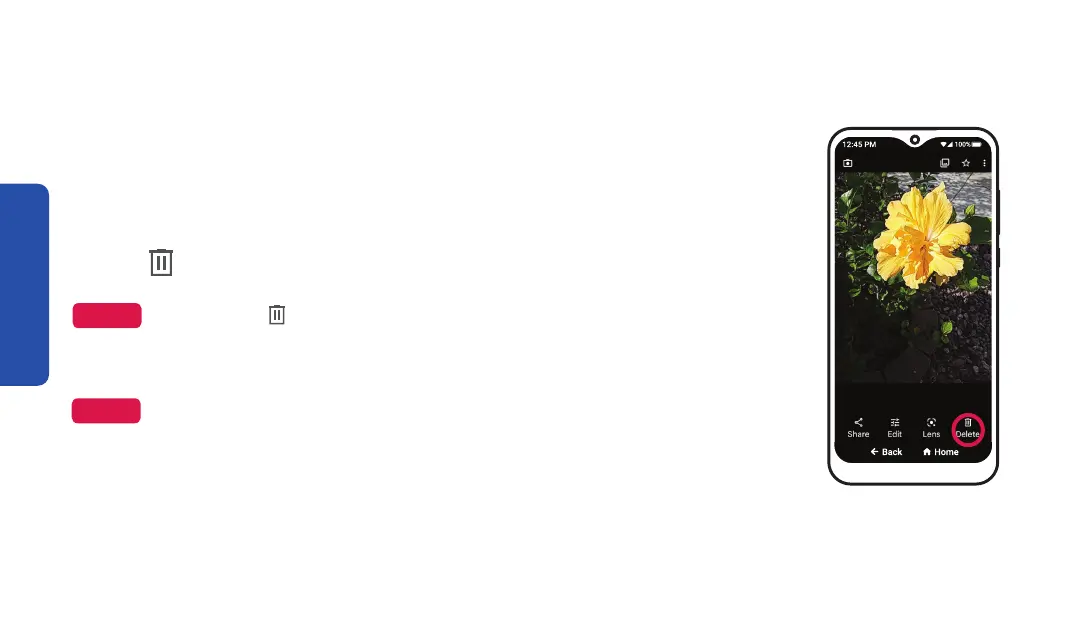
1. TAP on a photo or video to view it.
2. TAP
Delete on the bottom right of the screen.
Delete, TAP anywhere on the screen and it will appear.
3. TAP Move to trash in the pop-up to confirm.
Step 2
NOTE
NOTE
for up to 60 days.



 To Next Page