Getting Started
Setting up Voicemail
Step 1
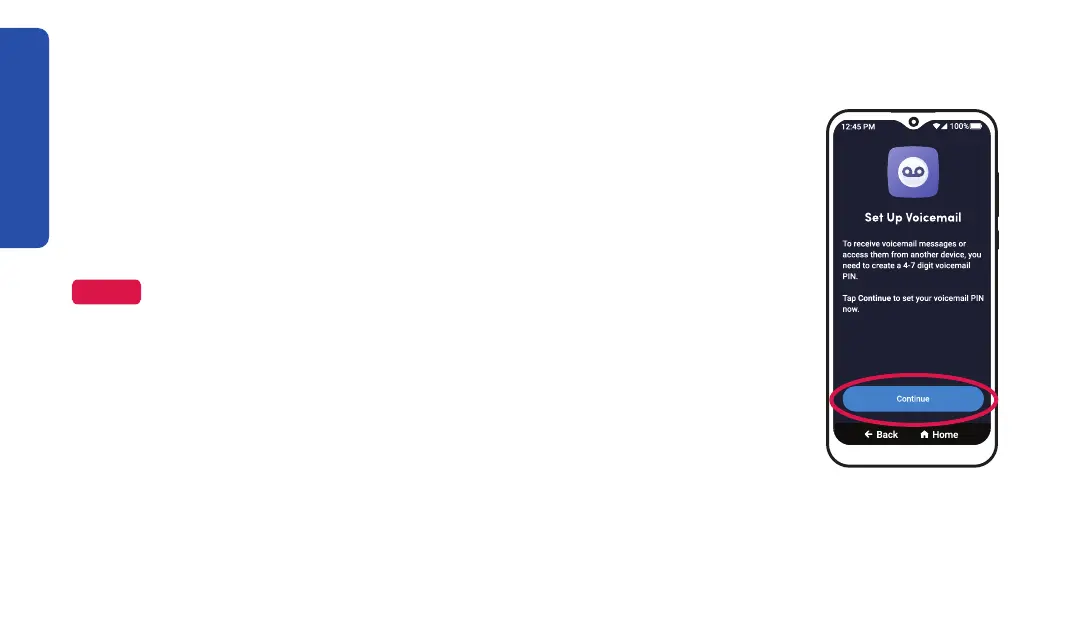
As a new Jitterbug Smart4 user, you need to set your voicemail PIN to
receive voicemail messages. Voicemail PIN setup automatically begins after
your device successfully activates. If you have already set up your voicemail
PIN, a "Voicemail is Set Up" message is shown.
NOTE
cover for future reference.
1. TAP Continue.
26



 To Next Page