EasyManua.ls Logo

Lively Jitterbug Smart4 - Voicemail

Lively Jitterbug Smart4
154 pages
Print Icon
To Next Page IconTo Next Page
To Previous Page IconTo Previous Page
Loading...
Voicemail
Step 2

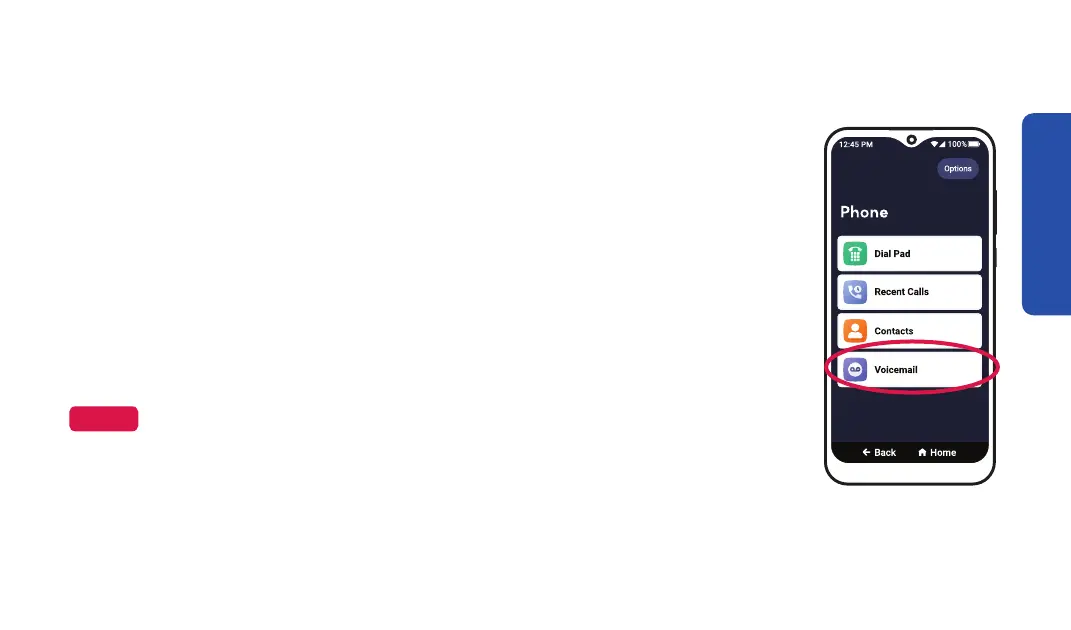
callers when you can’t answer your phone. You can also listen to voice
messages left for you.
1. On the Home screen, TAP Phone.
2. TAP Voicemail.
3. To listen to your voice message, TAP the voice message you want to
listen to from from the list, then TAP Play.
NOTE

Phone Calls
69

Table of Contents

Related product manuals