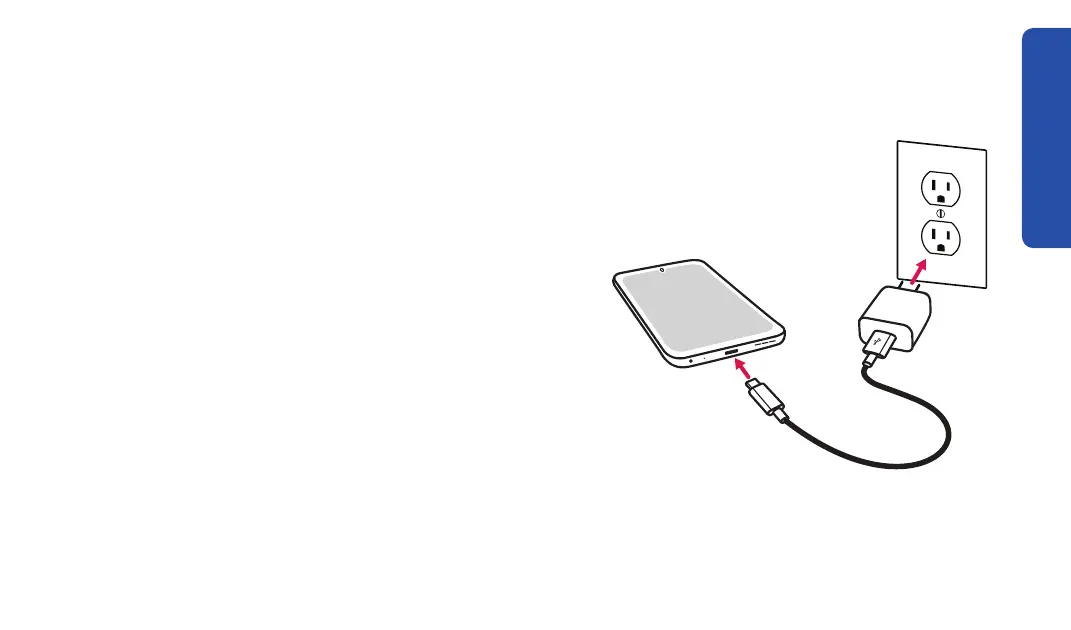
Charging the Battery
The phone’s battery may be low when it is removed from its box. Please charge
your phone before use and whenever the battery is low so that your phone is
ready when you need it.
1. Plug the larger end of the charging cable into
the wall charger.
2. Plug the wall charger into a wall outlet.
3. Plug the smaller end of the charging cable into
the bottom of your smartphone.
Getting Started
5



 To Next Page