EasyManua.ls Logo

Lively Jitterbug Smart4 - Lock Screen Overview

Lively Jitterbug Smart4
154 pages
Print Icon
To Next Page IconTo Next Page
To Previous Page IconTo Previous Page
Loading...
Getting Started
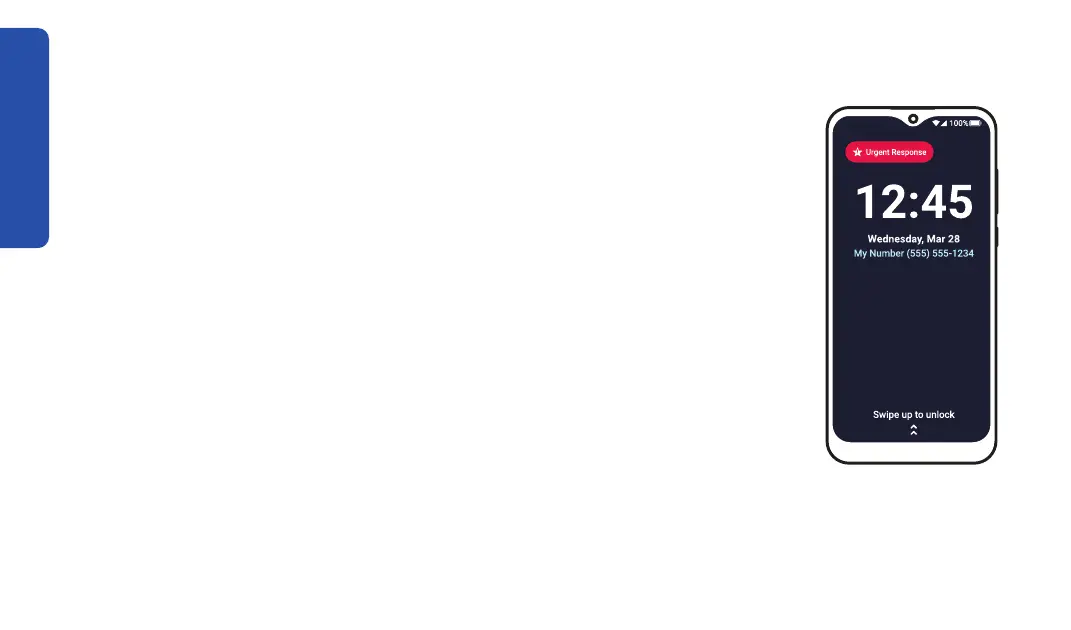
Lock Screen Overview
The lock screen prevents accidental dialing and provides an extra layer of
security if you misplace your phone. Your phone automatically locks if you
haven't interacted with it for a while. To lock or unlock your phone:

quick “swiping” motion to access your Home screen. You may be
prompted to enter a PIN (if enabled).


30

Table of Contents

Related product manuals