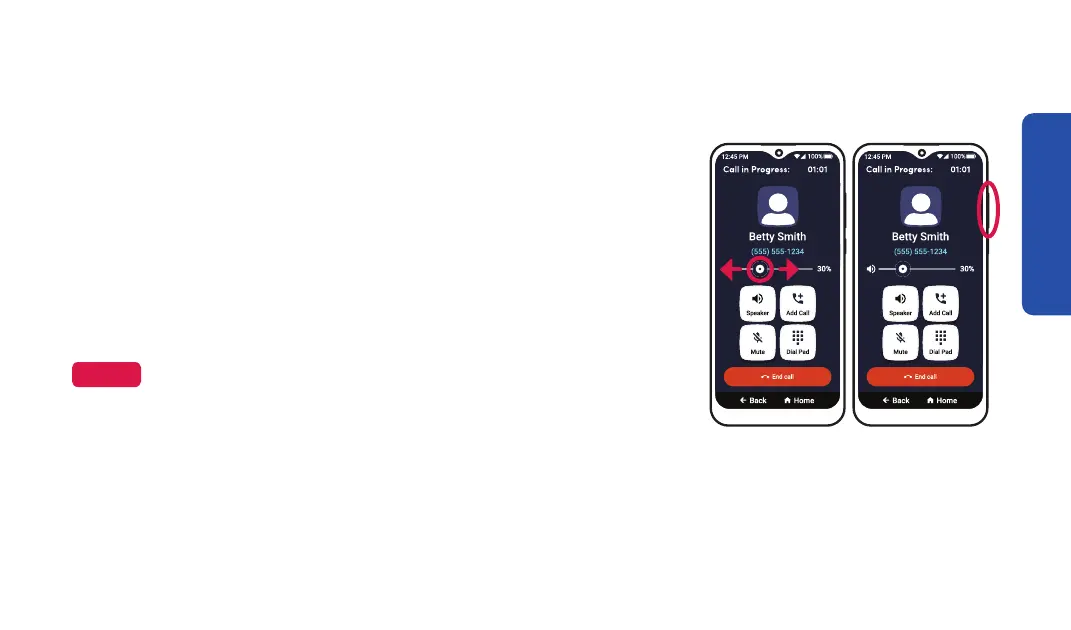
Adjusting the Call Volume
Option 1 Option 2
To adjust the Call Volume while on an active call:
• SLIDE the volume circle on the horizontal bar on
the call screen.
• PRESS the upper or lower end of the Volume
Button to increase or decrease the Call Volume.
NOTE
After you press a volume button when away from the
call screen, a volume level indicator appears at the top
of the screen.
Phone Calls
75



 To Next Page