Changing Settings
121
Customizing Your Lock Screen Background
You can customize your Lock Screen with a photo that is unique
to you.
1. On the Home screen, DRAG to scroll down, and
TAP Settings.
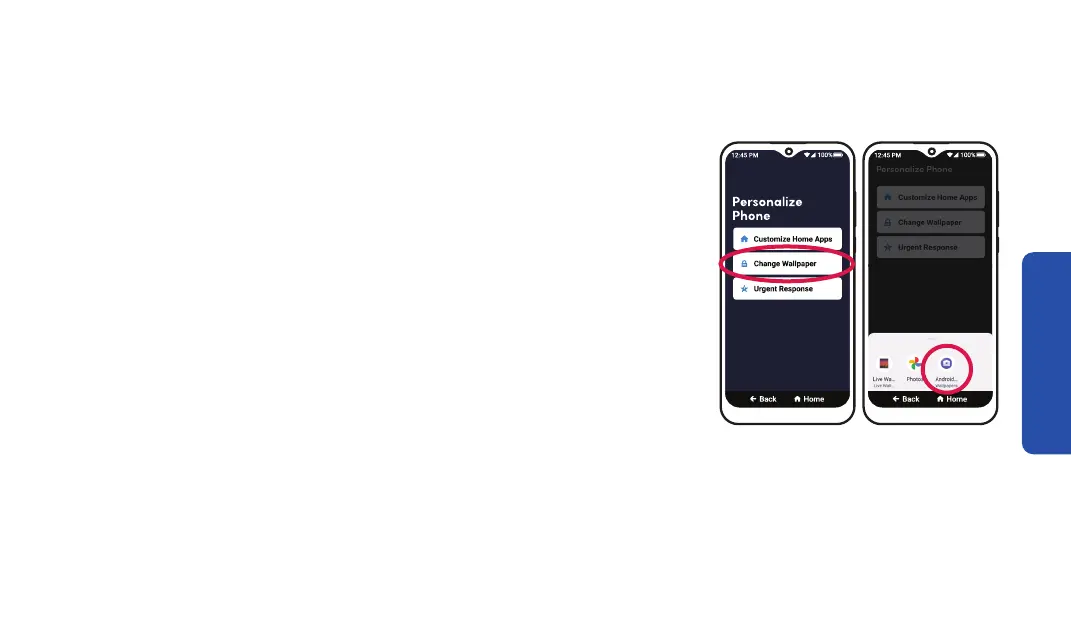
2. TAP Personalize Phone.
3. TAP Change Wallpaper.
4. TAP Photos to select a photo you took on your phone, or
TAP Android Wallpapers to select a preset wallpaper.
Step 3 Step 4



 To Next Page