Getting Started
Lock Screen Options
There are six lock screen options you can choose from:
A. None – No Lock Screen will appear at all. QUICKLY PRESSING the
Power/Lock Button will take you immediately to the Home screen.
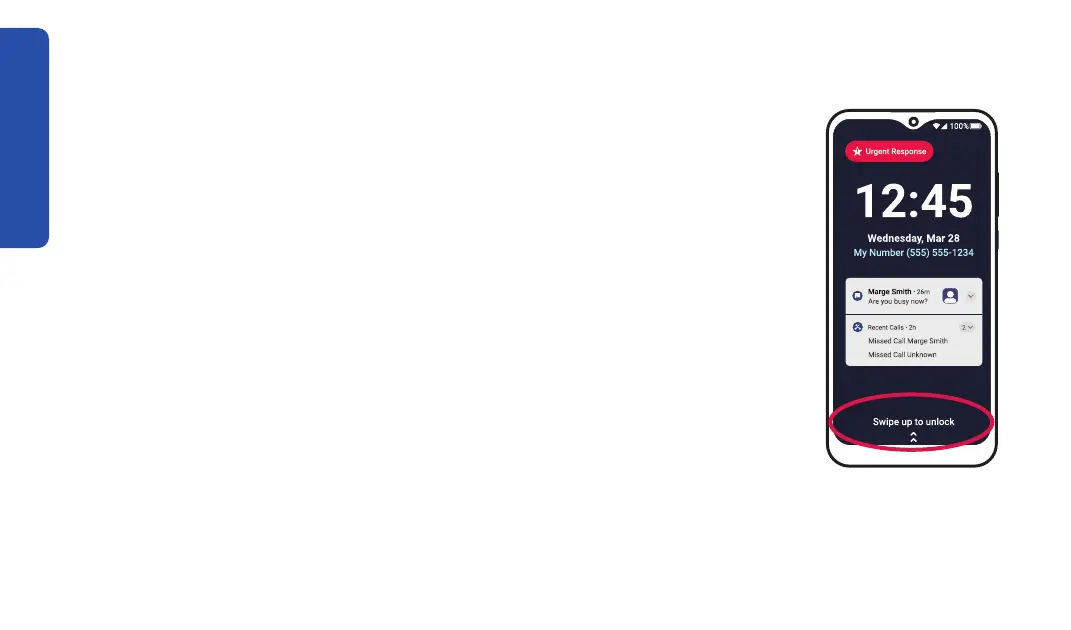
B. Swipe – Unlocking your phone will only require you to “swipe” your
C. Pattern – After swiping to unlock, you must draw a pattern that only
you kno
w.
32



 To Next Page