Learning the Basics
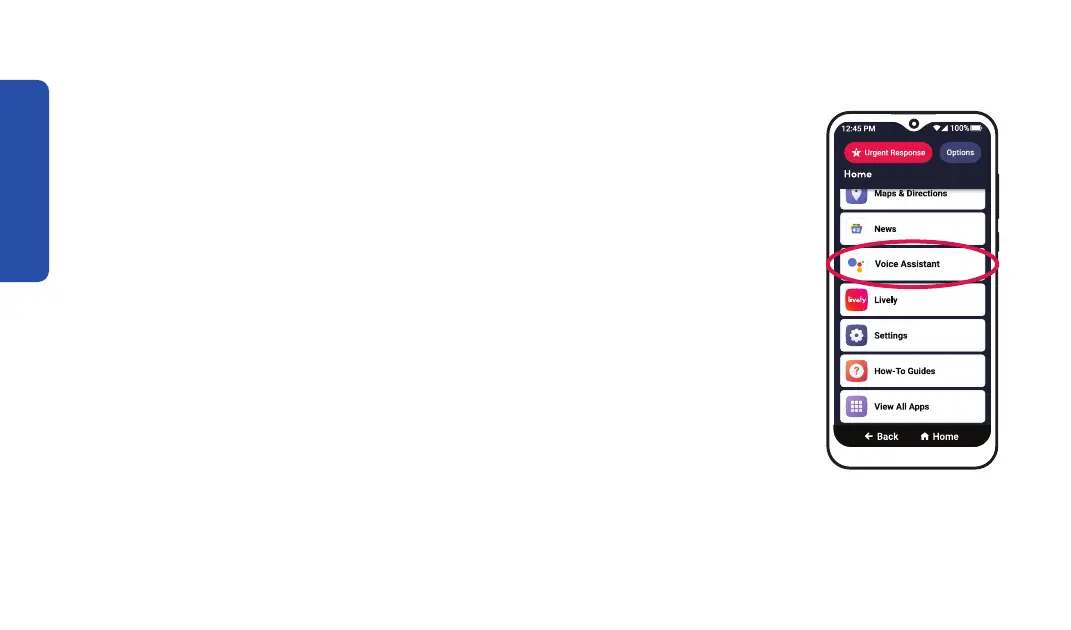
Using Google Assistant
Google Assistant offers voice commands, voice searching and voice-
activated device control. To use Google Assistant:
1. On the Home screen, TAP Voice Assistant.
2. Say your question or command out loud. You can say things such as:
• "What's the weather tomorrow?"
• "Call Megan Graham."
• "Start a timer for 10 minutes."
60



 To Next Page