Lively Authentication
NOTE
If you selected "Advanced Android" as your home screen layout, TAP Take me
here to use the Jitterbug home screen.
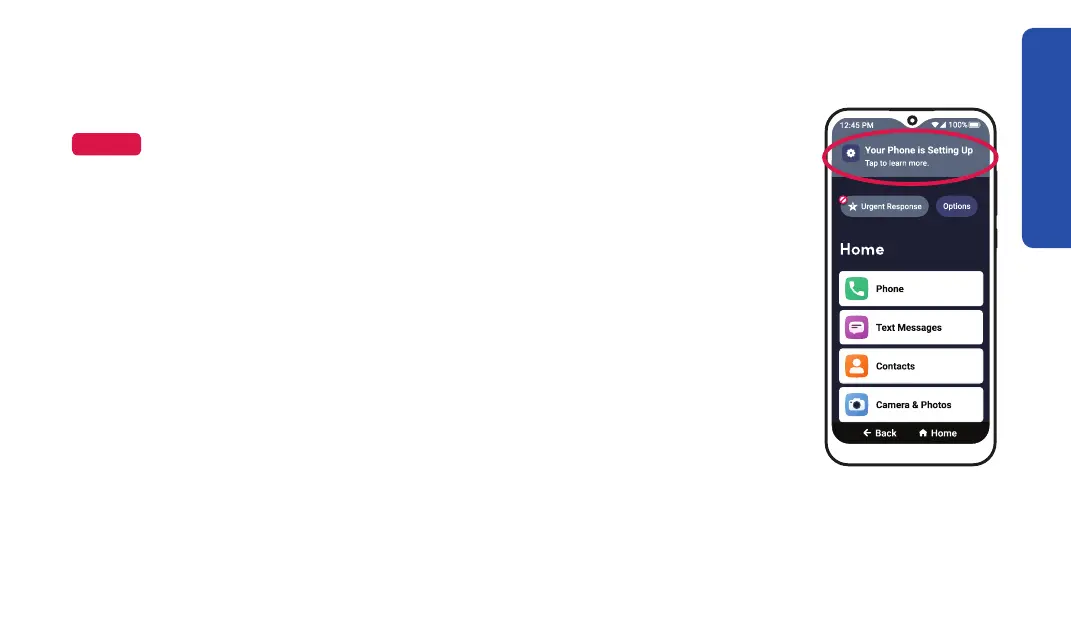
it is setting up, there will be a banner at the top of your screen. While you
wait, you can explore your phone, but you cannot make calls, access
voicemail, open the Lively app, or call Urgent Response.
When Lively authentication is complete, your smartphone's voicemail
setup automatically opens.
Getting Started
25



 To Next Page