Changing Settings
124
Customizing Your Ringtones (continued)
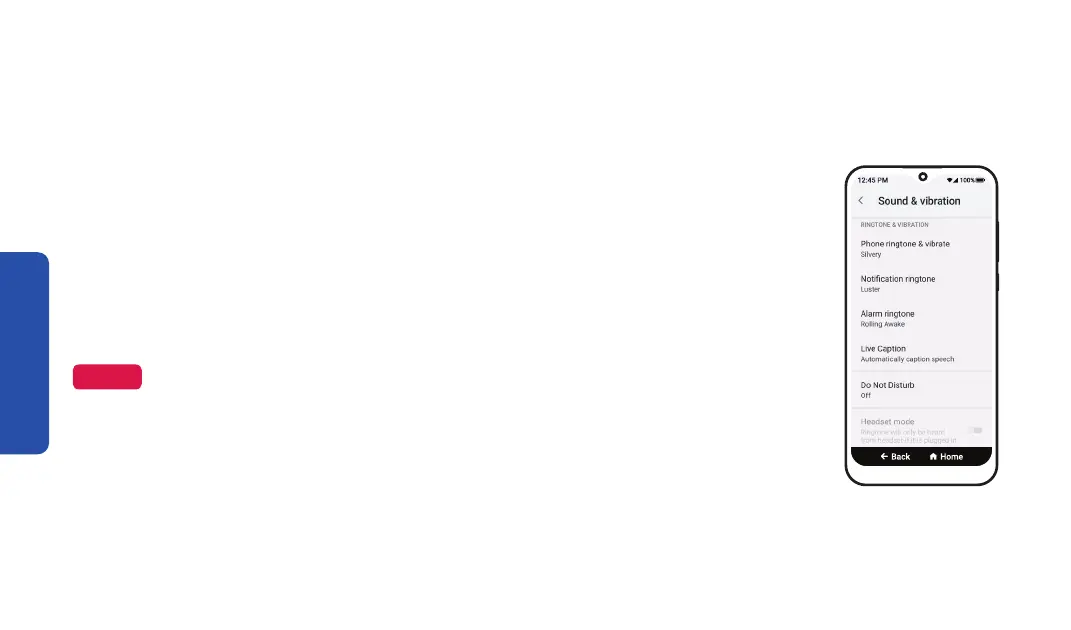
4. Select the ringtone you want to change:
• TAP Phone ringtone & vibrate to change the sound when you get a
phone call.
• TAP Notification ringtone to change the sound when you get an
app notification.
• TAP Alarm ringtone to change the sound when an alarm rings.
5. TAP a ringtone from the list to listen to it and select a ringtone.
Step 4
NOTE
To change volume levels, DRAG the sliders left to lower the volume or right to raise
the volume.



 To Next Page