Getting Started
Sign in or Create a Google Account (continued)
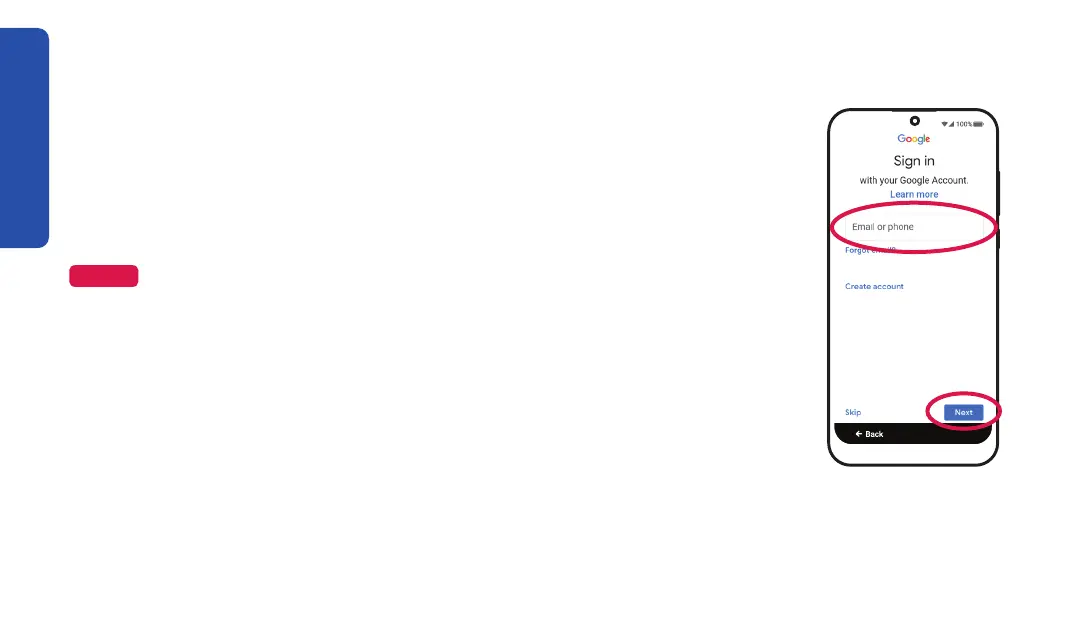
Option 1: To sign in to an existing Google account:
1. Enter your Google email (Gmail) address and TAP Next.
2. Enter your password and TAP Next.
NOTE
Having a Google account is not required to use your Jitterbug Smart4. If you don’t
want to create an account, TAP . If you choose to skip setting up a Google
account, you will not be able to use some additional Google features. You can always
add a Google account later if you want to use these features.
3. If prompted, choose how to verify your account, following the
on-screen instructions.
14



 To Next Page