Getting Started
Set a Screen Lock
Step 1
To protect your information, set up a lock screen for an extra layer of
protection if you happen to lose or misplace your phone.
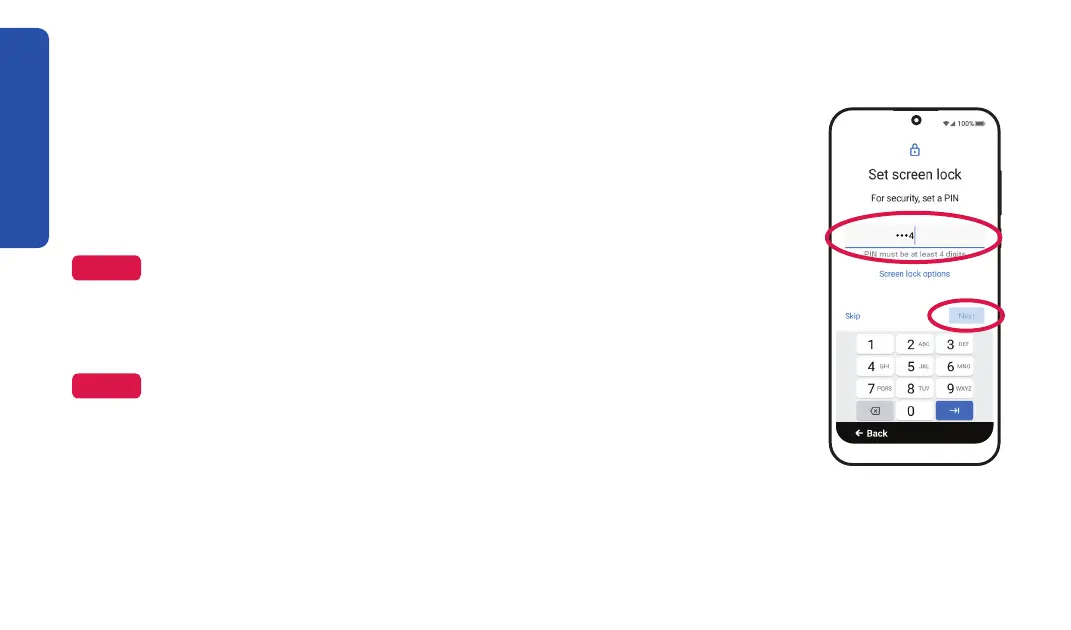
1. Enter a security PIN to keep your phone safe, then TAP Next.
NOTE
Make sure that the number is at least four digits, easy to remember, and
hard to guess.
2. Re-enter your security PIN, then TAP Confirm.
NOTE
Write down your settings under "My Important Information" on the inside
front cover for future reference. If you don’t want a lock on your phone, TAP
(you can always set this up later).
18



 To Next Page