EasyManua.ls Logo

Lively Jitterbug Smart4 - Page 28

Lively Jitterbug Smart4
154 pages
Print Icon
To Next Page IconTo Next Page
To Previous Page IconTo Previous Page
Loading...
Getting Started
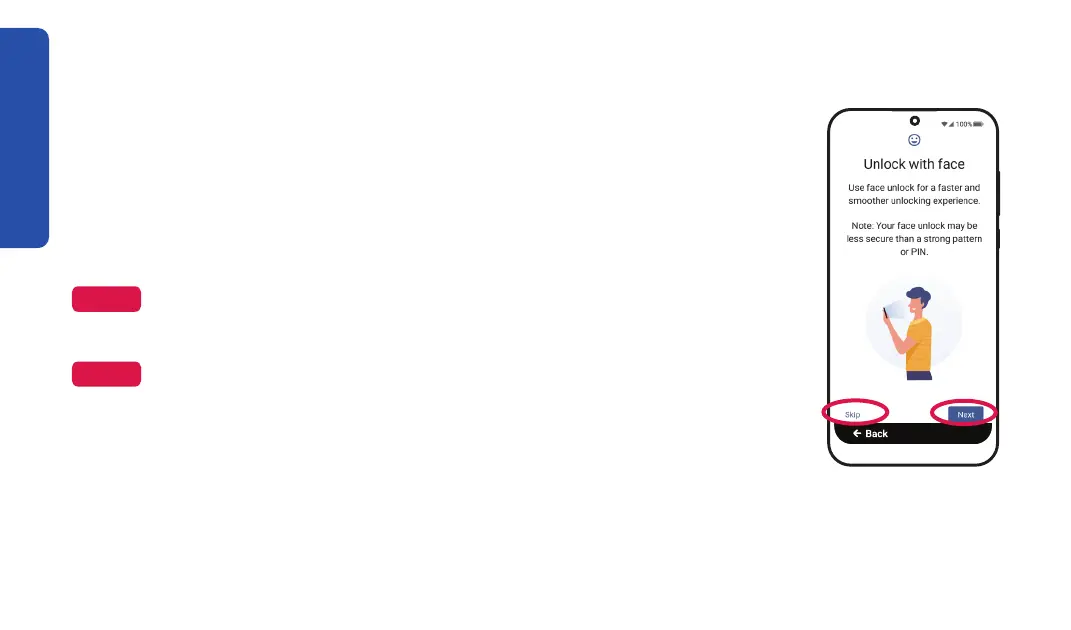
Unlock with Face
You can choose to unlock your Jitterbug Smart4 using your camera's facial
recognition technology.
To do this now, TAP Next and follow the on-screen instructions.
Otherwise, TAP Skip.
NOTE
Make sure that the number is at least four digits, easy to remember, and
hard to guess.
NOTE


inside front cover for future reference.
20

Table of Contents

Related product manuals