Learning the Basics
Blocking and Unblocking Phone Numbers (continued)
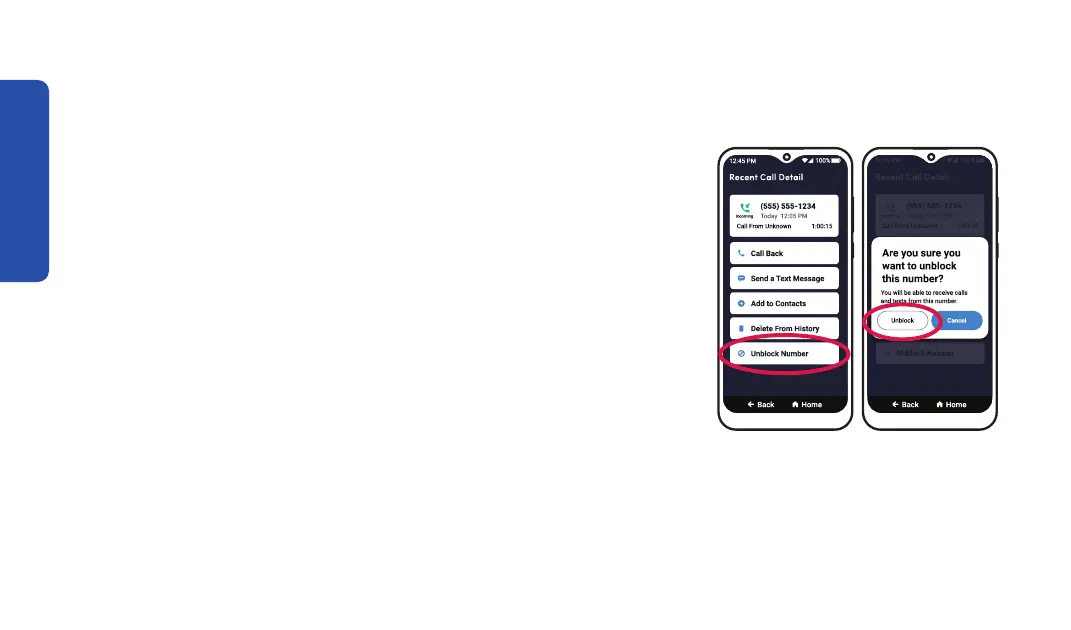
Step 4 Step 5
To unblock a phone number:
1. On the Home screen, TAP Settings.
2. TAP Blocked Numbers, then TAP Add Blocked Number.
3. TAP the name or phone number that you want to unblock.
4. TAP Unblock Contact or Unblock Number.
5. TAP Unblock
48



 To Next Page