Loadrite L2150 User Manual
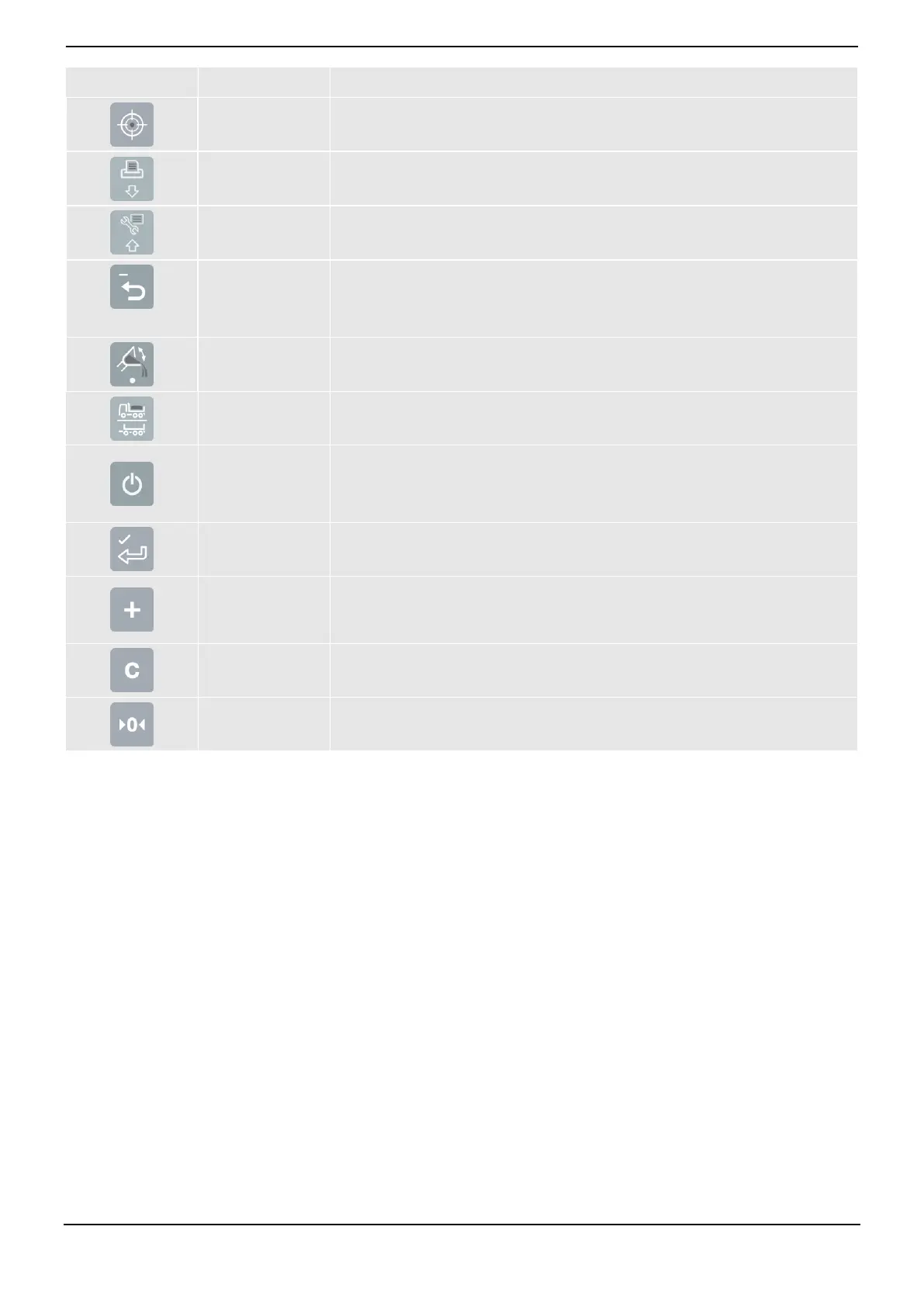
Activates Target mode weighing.
Displays the Print Menu.
Moves down a list of options.
Displays the Main Menu.
Moves up a list of options.
Moves back one menu screen.
Recalls the last load.
Subtracts the current load from the total.
Activates Tip-off weighing.
Used to enter a decimal point.
Activates Split mode weighing.
Moves back one menu screen.
Cancels changes.
Puts the Indicator into Standby mode.
Selects an item.
Accepts changes.
Adds the current bucket load to the total.
Turn Auto-Add on or off.
Move the cursor left when entering text.
Clears the short total for the current product.
Zeroes the empty bucket.
Move the cursor right when entering text.



 To Next Page