Loadrite L2150 User Manual
9. MAIN MENU
The Main Menu options that are available depend on options selected at installation.
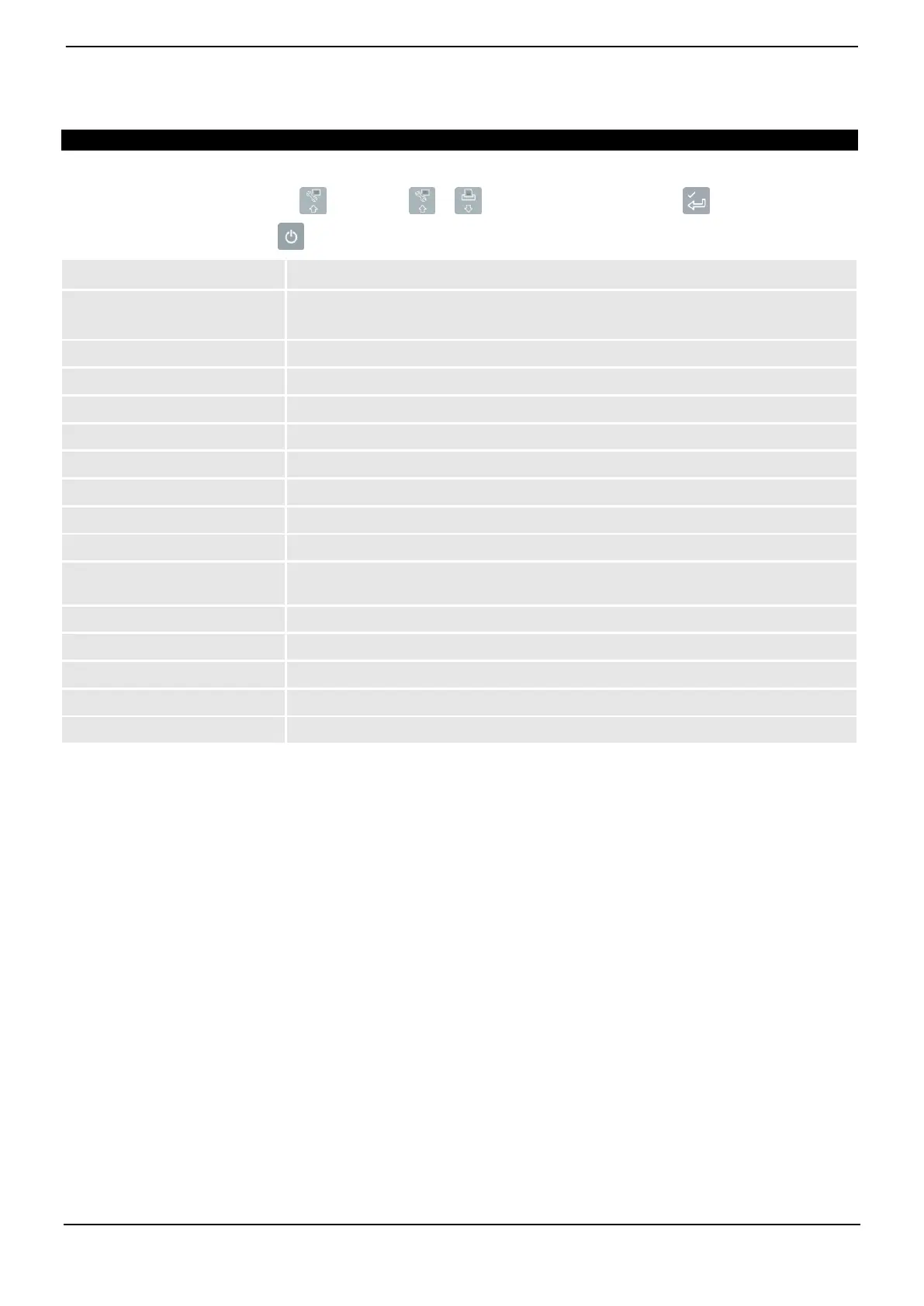
The Main Menu provides options for configuring the Loadrite Weighing System.
To display the Main Menu, press twice. Press or to scroll up or down, then press to select an option.
To exit the Main Menu, press .
Displays the Install Menu.
For further information, contact your Loadrite distributor.
Select whether or not Auto-Add is enabled.
Select whether the trigger position graphic is displayed.
Select the language for the Indicator.
Change the login PIN number.
Displays the Data Module screen.
Displays the Clock screen.
Allows configuration of the Total and Target screens, and the screen backlight and contrast
levels.
Displays the Long Total screen.
Clears the Long Total for all products.
Allows the Indicator to communicate with the LoadriteToolbox PC software
Puts the Indicator into Standby mode



 To Next Page