Loadrite L2150 User Manual
9.6. SCALE #
The Scale options are only available if Multiple Scales functionality has been enabled during installation.
This option enables the use of different load bearing implements (for example, bucket or forks) on the loader. The operator
needs to select the correct scale for the attached implement.
TIP: You should perform a Check Zero after changing the attachment.
9.7. DATA LIST
9.7.1. Adding a data value
IMPORTANT: Data field values can only be entered using specific Western Latin characters, such as in English.
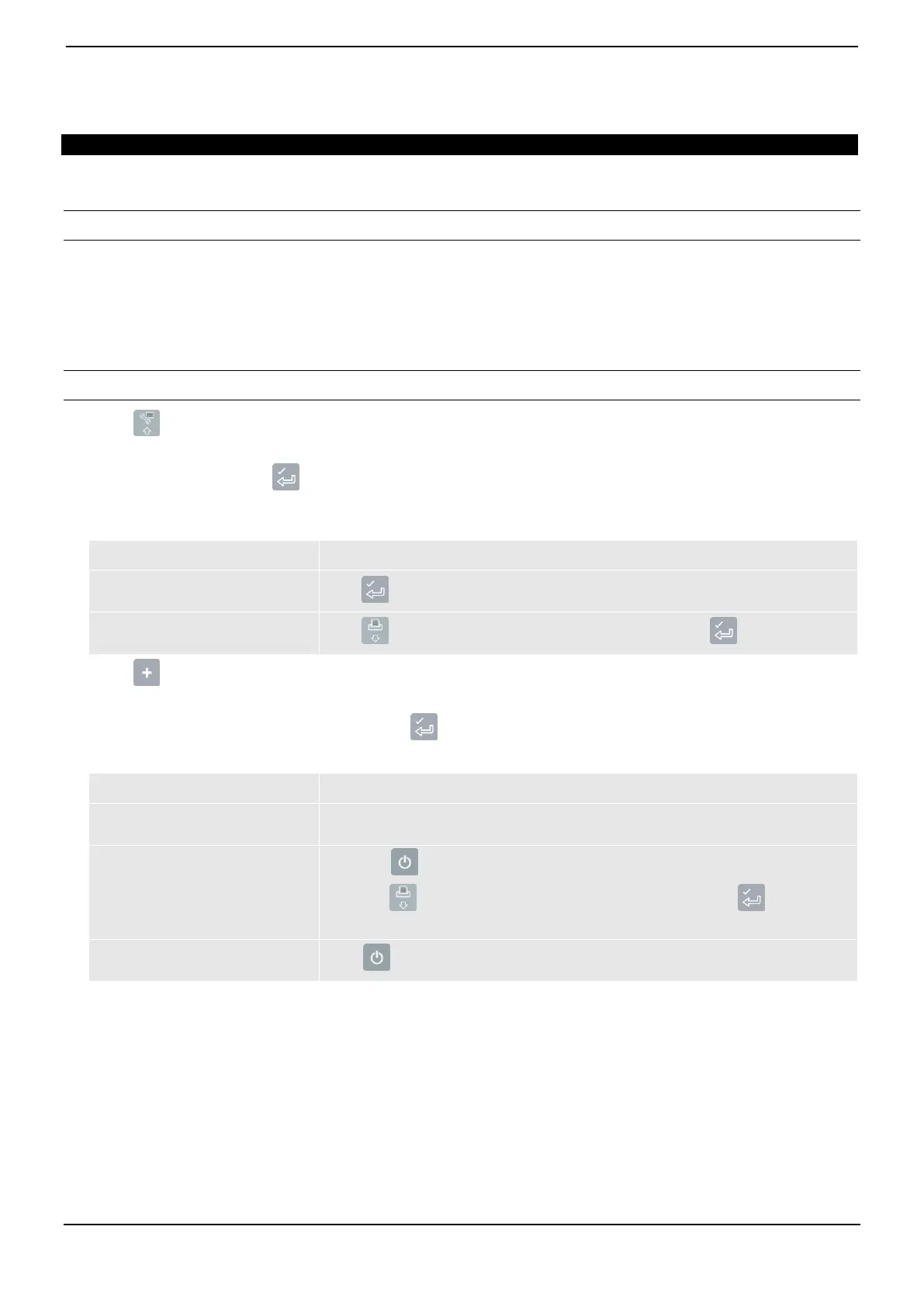
1) Press twice.
The Main Menu will display.
2) Select Data List, then press .
The Edit? screen will display.
3) Complete the following:
you would like to add a data value
to the data field that is displayed
you would like to select a different
data field
press until the required data field is displayed, then press .
4) Press .
The Data Entry screen will display.
5) Use the keypad to enter the data value, then press .
6) Complete the following:
you would like to add another
data value
you would like to select a different
data field
Press .
press until the required data field is displayed, then press .
Go back to step 4.
you have finished editing
data values
Press twice to return to the Main Menu.



 To Next Page