6.2. SPLIT MODE
Split mode splits the total weight into multiple sub-totals, providing an easy way to load train wagons, or a truck and trailer. Split
mode is also used to track load distribution over a single vehicle unit, to avoid overloading an axle.
Split mode can be used in conjunction with Total or Target modes.
Example
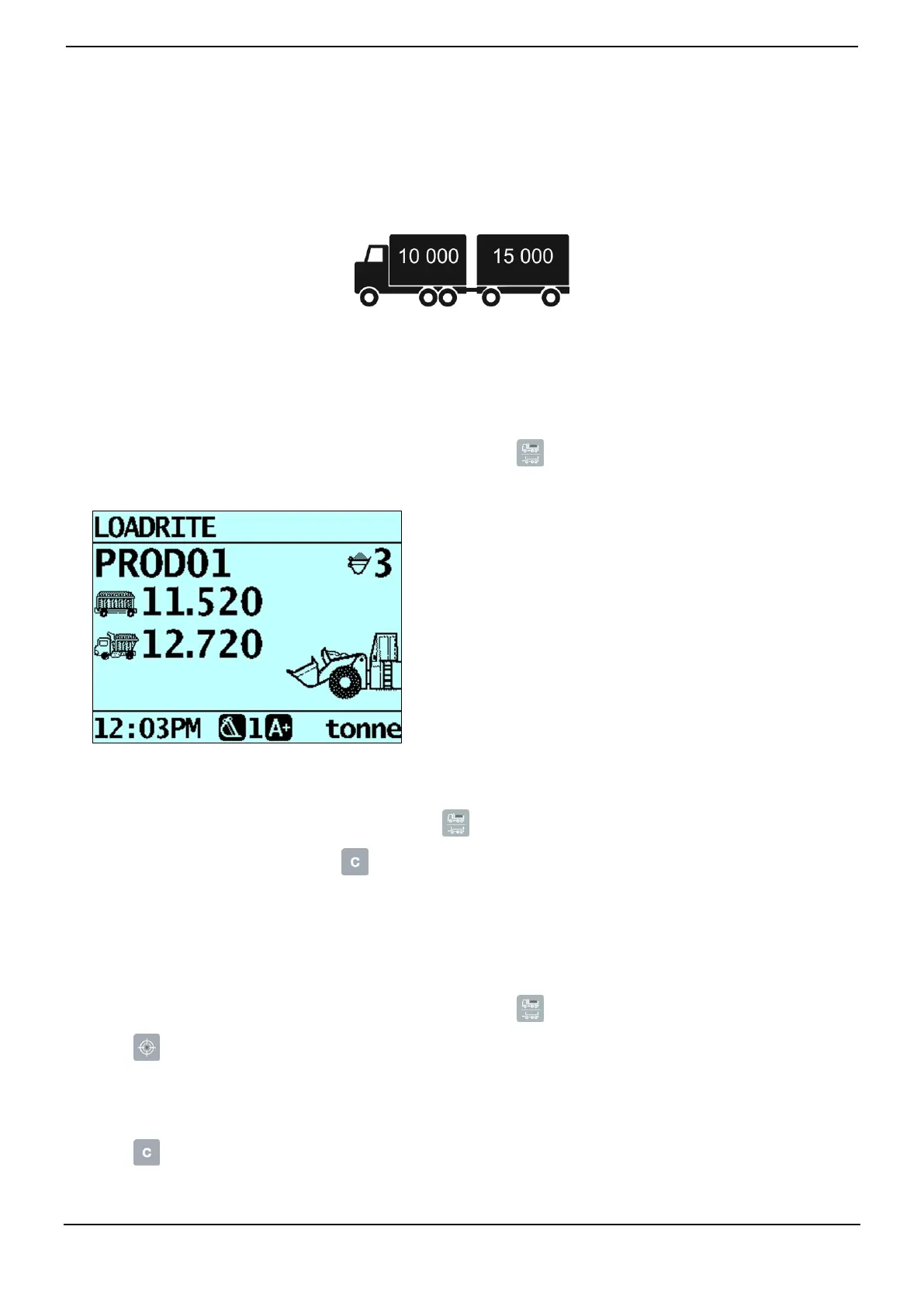
A truck with a trailer requires loading. The truck can carry 10,000 tonnes and the trailer 15,000 tonnes, making a total of 25,000
tonnes.
6.2.1. Split mode within Total mode
1) In Total mode, load the truck with the required amount or product.
2) When the required amount of product for the truck is reached, press .
The subtotal will briefly display, then the Split Mode screen will display. The grand total of the entire vehicle is shown, along
with the short total for the trailer:
3) Add the required amount of product to the trailer.
As each bucketload is lifted, the bucket weight, current trailer weight and total trailer weight will display. Between each lift,
the Split Mode screen will display showing the new grand total and number of buckets lifted.
4) If you would like to split the load to another trailer, press , then go to step 3. Otherwise, continue to step 5.
5) When all trailers have been filled, press to clear the totals.
6.2.2. Split mode within Target mode
1) In Target mode, enter the target weight for the truck.
2) Load the truck with the required amount of product.
3) When the required amount of product for the truck is reached, press .
4) Press .
5) When the Target? message is displayed, use the keypad to enter a target weight for the trailer.
The Split screen will display showing the current target weight for the trailer and the grand total for the entire vehicle.
6) Add the required amount of product to the trailer.
7) Press to clear the totals.
The Total screen will display.



 To Next Page