3. THE DAY-TO-DAY WEIGHING PROCESS
The following is the basic process for day-to-day weighing with the Loadrite Weighing System:
1) Turn on the Indicator and log in (if required).
2) Perform a warm-up.
3) Zero the empty bucket.
4) Select a product to weigh.
5) Weigh and add each bucketload.
6) When you have finished loading the truck, clear the short total.
7) When you have finished using the Loadrite Weighing System, put the Indicator into Standby mode.
3.1. HOW DO I TURN ON THE INDICATOR?
The Loadrite Indicator will turn on automatically when you start the loader.
3.2. HOW DO I LOG IN?
The Login functionality is only available if selected at installation.
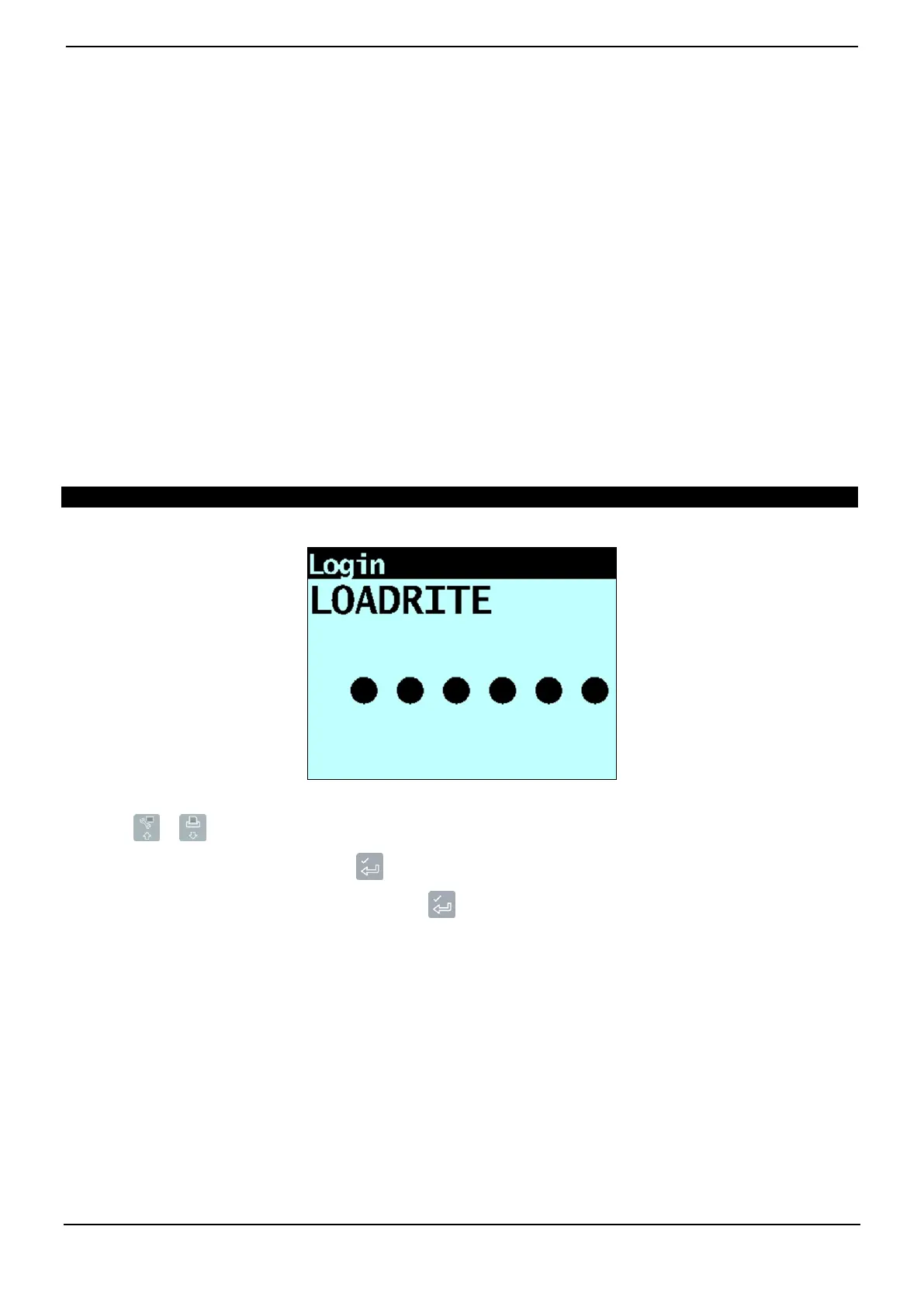
The Login screen will display when the Indicator turns on, or comes out of Standby mode.
If you see the Login screen, complete the following to log in to the Indicator:
1) Press or to scroll up or down through the login names, or use the keypad to enter your login name.
2) When your login name is displayed, press .
3) Use the keypad to enter your PIN number, then press .



 To Next Page