3.3. HOW DO I PERFORM A WARM-UP?
For best weighing accuracy, the hydraulic fluid in the lift cylinders should be at normal operating temperature. This is achieved
by raising and lowering the empty bucket.
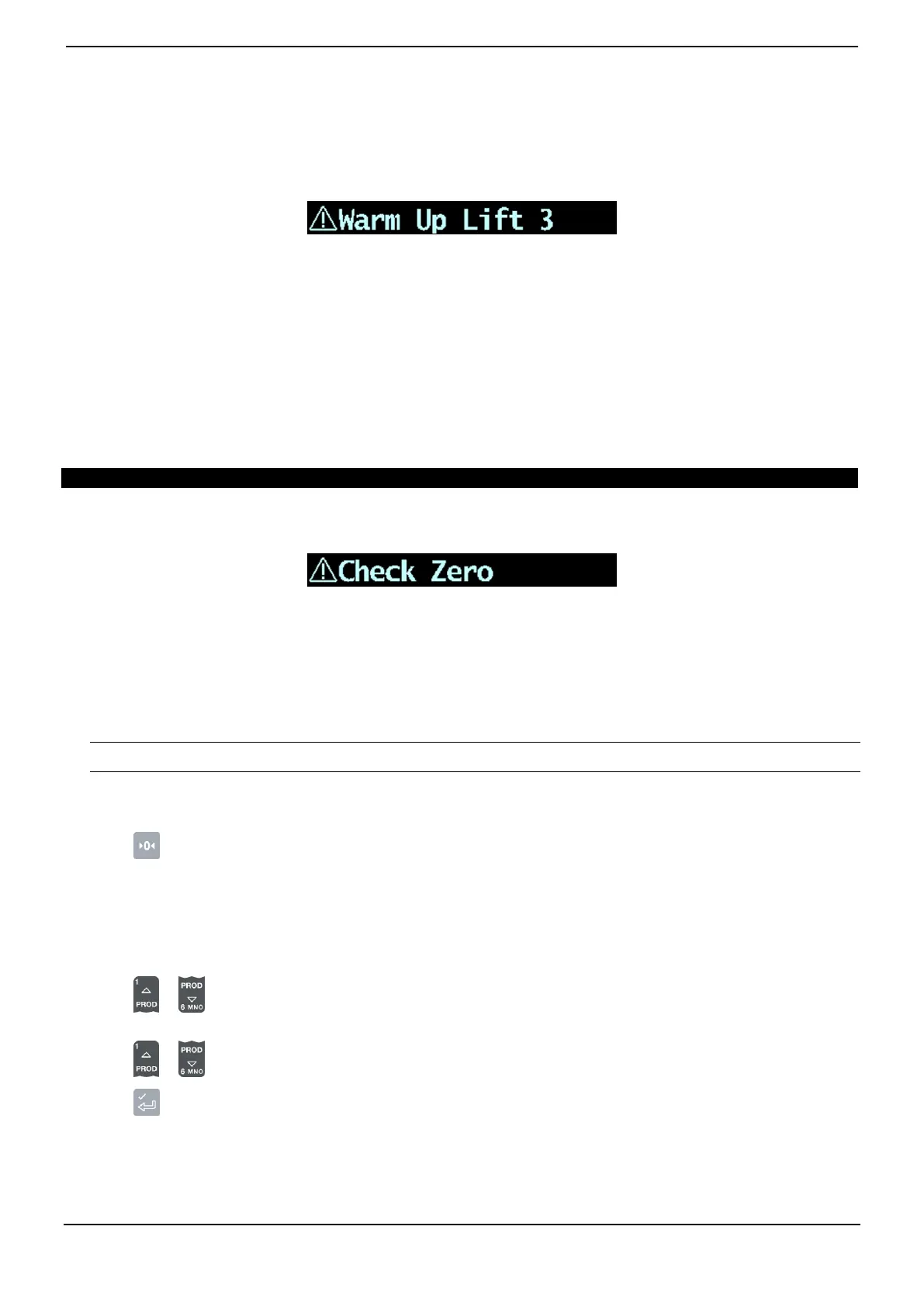
The above message will display if the Indicator has been turned off for more than one hour. If you see the above message, you
need to raise and then lower the empty bucket past the Trigger Point three times:
1) Raise the bucket past the Trigger Point.
2) Lower the bucket past the Trigger Point.
3) Repeat two more times until the message disappears.
When the warm-up has completed, the Total screen will display.
3.4. HOW DO I ZERO THE EMPTY BUCKET?
The Check Zero functionality is only available if selected at installation.
It is necessary to periodically "zero" the Indicator because small errors can occur due to a build-up of material in the bucket.
If you see the above message, you need to zero the empty bucket. The message will display:
Every 15 minutes for the first hour, and
Every 30 minutes thereafter (the default period is 30 minutes, but it may be set between 15-180 minutes).
Complete the following to zero the bucket:
IMPORTANT: When weighing a load, the loader must be level, and the bucket must be empty and kept fully-rolled back.
1) Ensure that the loader is level and the bucket is empty.
2) Raise the empty bucket.
3) Press .
The Zero Updated message will display, before the Total screen is displayed.
3.5. HOW DO I SELECT A PRODUCT TO WEIGH?
1) Ensure the Total screen is displayed.
2) Press or .
The Product screen will display.
3) Press or to scroll up or down the list of products until the correct product is selected.
4) Press .
The name of the product will be displayed for one second, then the Total screen will display.



 To Next Page