Loadrite L2150 User Manual
you would like to select a different
data field
Press .
press until the required data field is displayed, then press .
Go back to step 5.
you have finished editing
data values
Press twice to return to the Main Menu.
5.1.4. Docket numbers
If a Data field has been set as an AutoInc (auto-incremental) value during installation, it can be used as a docket number. The
docket number will increment by 1 and be automatically assigned every time a new load is started. Auto-incremented docket
numbers cannot be entered manually.
To edit the first number used for auto-incremented docket numbers, see "Editing a data field value" on page 5-23.
5.2. AUTO-TARGET VALUE LOOK-UP
The Loadrite Weighing System can be configured so that target weights are stored for each truck. The target weights are
configured during the setup of the Loadrite Weighing System.
Below is an example of a truck and target list. Data 2 has been configured to store truck ID numbers and Data 3 to store the
corresponding target values.
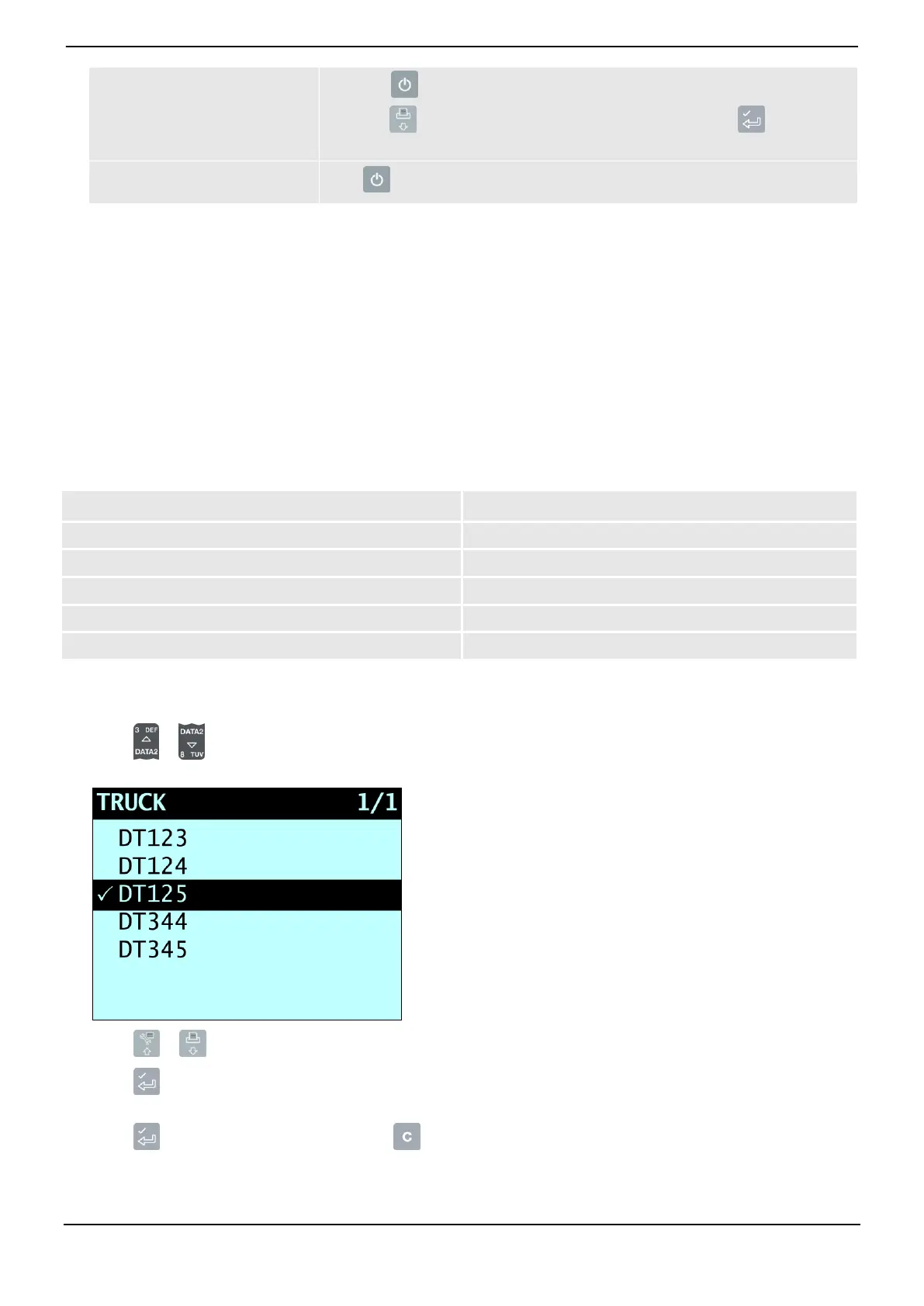
5.2.1. View and select target weights
1) Press or .
The Truck screen will display.
2) Press or to scroll up or down the list of trucks until the correct truck is selected
3) Press .
The target weights will display with the auto-target weight pre-selected.
4) Press to confirm the target weight, or press to clear the target weight and enter a new target weight.
The Target screen will display.



 To Next Page