5. PRODUCT MANAGEMENT
The Loadrite Weighing System can be used to track multiple products. Each product is associated with a product number,
product name, Short Total, Long Total and bucket counter.
5.1. CUSTOMIZABLE DATA FIELDS
The Customizable Data Fields functionality is only available if selected at installation.
For information on configuring data fields, refer to the LoadriteToolbox User Manual.
Your Indicator has three customizable data fields that are used to record information against each weight to help track and
monitor weighing data.
For example, data fields may be configured to record a customer, truck type, truck ID or docket number, against the weight data.
The data can then be transferred via a modem, stored in a Loadrite Data Module and/or printed along with the weight data.
5.1.1. Select a data field
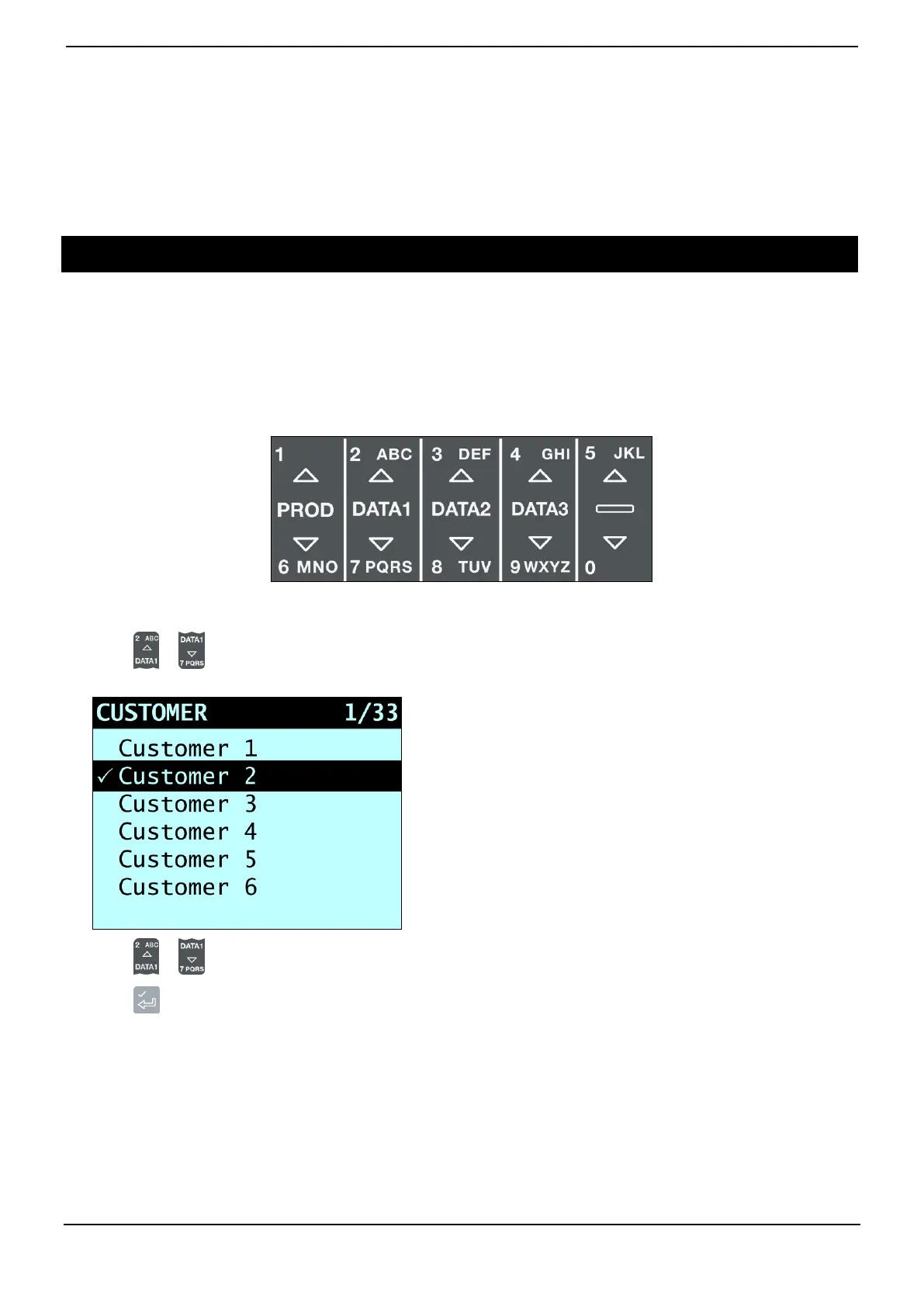
Data field values can be selected before starting a new load. The following example assumes that Data 1 has been configured
to hold customer names and shows how to select a customer name to record against the weighing data.
1) Press or .
The Customer screen will display.
2) Press or to scroll up or down the list of customers until the correct customer is selected.
3) Press .
The customer will be recorded against all loads until a different customer is selected. The name of the customer will display
under the Short Total on the Total screen.



 To Next Page