6.3. GRAND TOTAL MODE
Grand Total mode is similar to Split mode in that it allows loading into a truck with multiple trailers, or a train with multiple
wagons. Unlike Split mode however, different products can be loaded into each trailer or wagon.
In Grand Total mode, a grand total is entered for the entire load. A short total is kept for all products which are added together to
ensure that they do not exceed the grand total.
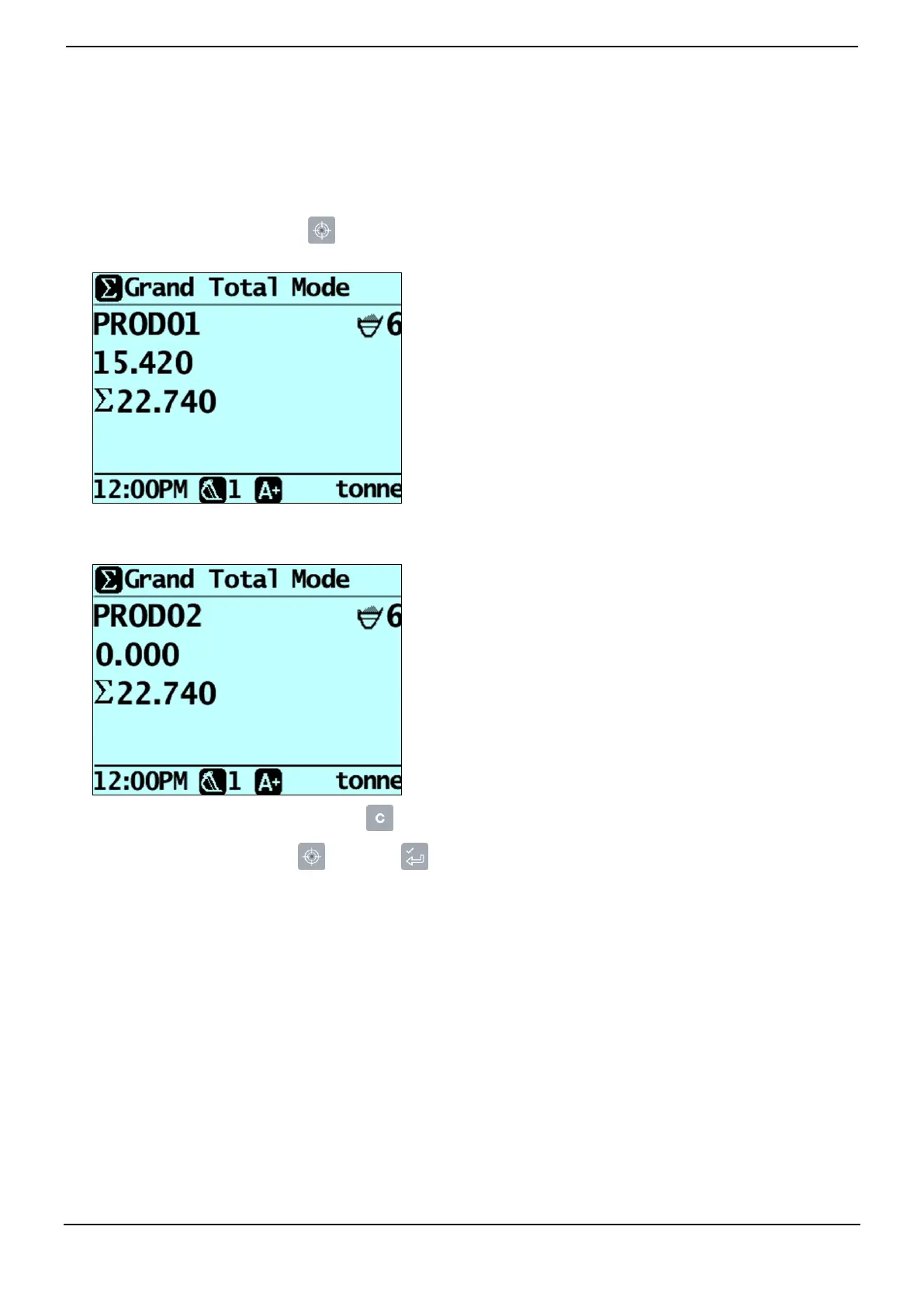
1) To enter Grand Total mode, press .
The Grand Total Mode screen will display.
2) Load the truck with the required amount of product. The short total and the grand total will be updated.
3) When a new product is selected, the short total is reset to zero, but the grand total will be maintained for all products.
4) When all products have been loaded, press to clear the totals.
5) To exit Grand Total mode, press , then press .



 To Next Page