9.1. SETUP...
The Install Menu provides options for configuring the Loadrite Indicator at installation. A security code is required to access this
menu.
For further information, contact your Loadrite distributor.
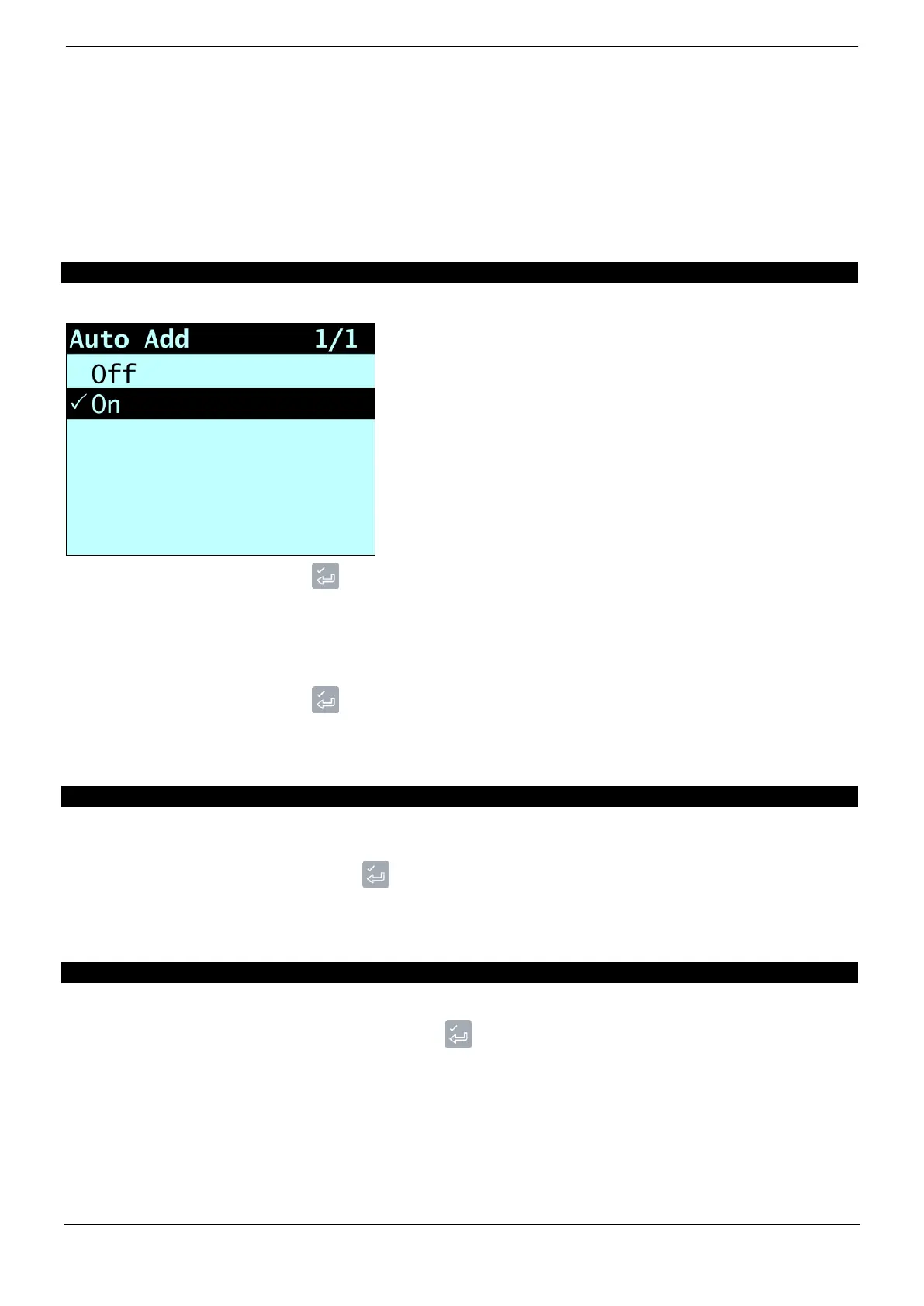
9.2. AUTO-ADD
The Auto-Add toggle functionality may or may not be available depending the configuration of your Indicator.
Controls whether or not the Auto-Add functionality is enabled.
Select either On or Off, then press .
9.3. TRIG SCREEN
Controls whether the loader position graphic is displayed.
Select either On or Off, then press .
9.4. LANGUAGE
The language can only be changed if Language Edit functionality has been enabled during installation.
Displays a list of available languages in which the Loadrite Indicator can display screen names, fields, menu options and printed
dockets.
Select your preferred language, then press .
9.5. EDIT PASSWORD
A password can only be edited if Login functionality has been enabled during installation.
Allows the PIN number of the current operator to be changed using the keypad.
Enter the new PIN number using the keypad, then press .



 To Next Page