3.6.1. Static Weighing
When the Total screen is displayed and the (Trigger light) has illuminated, bucket loads can be weighed.
IMPORTANT: When weighing a bucketload, the loader must be level with the bucket kept fully-rolled back.
1) Lift the bucket load until stable.
The Indicator will beep, (Trigger light) will illuminate and the weight of the current load and the short total will
display.
2) Press to add the load.
A message will display the number of buckets added to the current load, for example Bucket Add #1.
When the load has been added, the Total screen will display with the new short total and the number of added bucketloads.
3.6.2. Trigger-Point Weighing
When the Total screen is displayed, bucketloads can be weighed.
IMPORTANT: When weighing a bucketload, the loader must be level with the bucket kept fully-rolled back.
1) Raise the bucketload smoothly past the trigger point using constant engine revs.
The Weighing message will display.
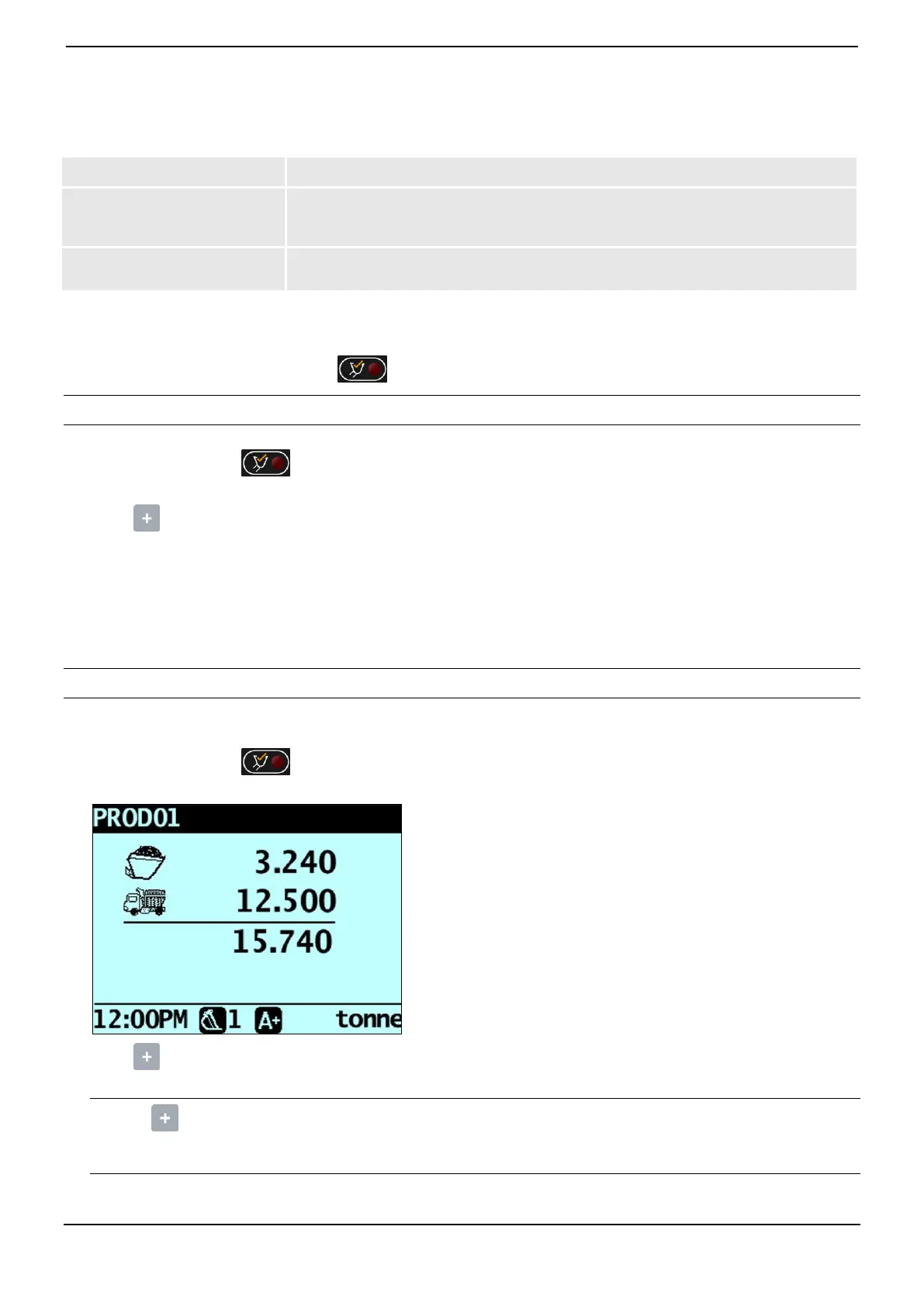
2) The Indicator will beep, (Trigger light) will illuminate and the Live Weight screen will display the weight of the
current load, the short total and the potential new weight.
3) Press to add the load.
A message will display the number of buckets added to the current load, for example Bucket Add #1.
NOTE: If is not pressed within 8 (eight) seconds of the load being lifted past the Trigger Point, the Indicator will beep
and the Time Out message will display. The weight will then be discarded and the Total screen will display. The number of
seconds before the Indicator times out may differ, depending on how it was configured during installation.
When the load has been added, the Total screen will display with the new short total and the number of added bucketloads.



 To Next Page