84
5 Operation
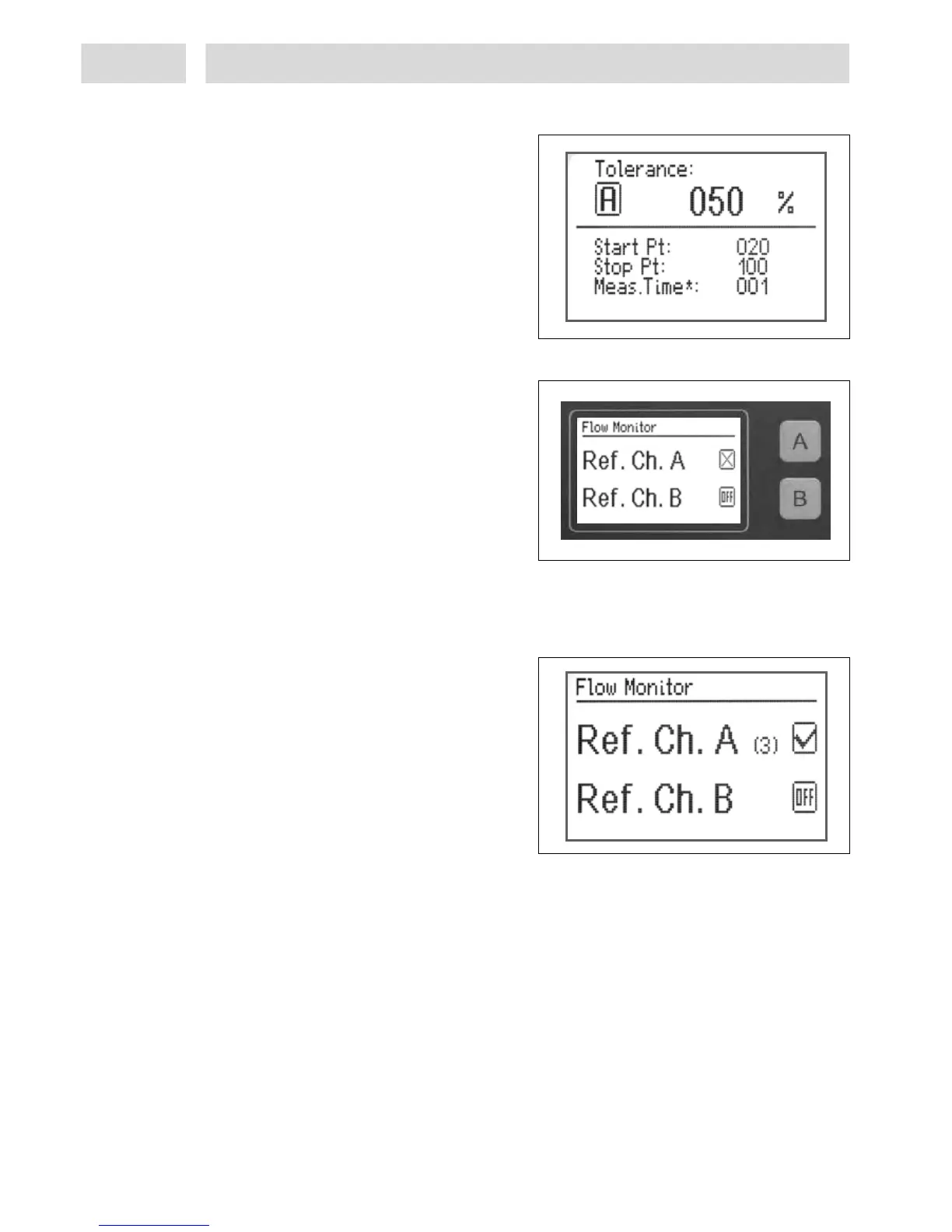
Setup of measuring time factor
• Press key 4 Channel A, or key 5 Channel B.
Adjustable factor: 1-10.
• For adjustments of values see section 5.1.
• Press key 10 Enter to store the settings and
return to the Monitoring screen
5.11.3 Setup of reference dispensing
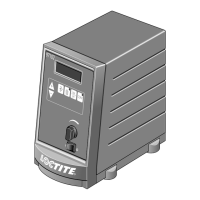
• Press key 6 Monitoring. The overview of
flow monitoring modules is displayed.
• To run one or several reference dispensing cycles, monitoring of the dispense channel must first
be activated as described in section 5.11.1.
The display changes from OFF to X.
The channel keys for dispense channels A and B are defined as switches. The relevant key is
used to switch the flow monitor On () or Off (X).
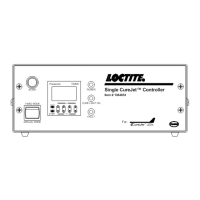
• Press key 13 Start to run the reference
dispensing cycles for the active dispense
channel. A counter runs.
A maximum of 8 reference dispensing cycles
should be performed. Time intervals between
reference dispensing cycles should be equal to
the production line cycle times. A start signal
must be triggered for each reference dispense
cycle. Whenever another start signal is
triggered after the final reference dispense
cycle, the controller switches automatically to X. The number of dispense cycles triggered is
indicated as a numeral in square brackets. [8].
• Press key 10 Enter to store. Then return to the system display.


 To Next Page