Technical Manual LÖWEN Dart HB8
01/2019 49
6.1.6 P06 - SEL rtC: Date and Time Programming (Real-Time Clock)
Programming the real-time clock. Correct date and time setting are crucial for programming of time-
dependent features such as Happy Hour.
1. Press the [TEST] button on the controller board.
tSt appears in the TEMP SCORE display.
2. Press the [GAMES] or [OPTIONS I] button until Pr9 appears in the TEMP SCORE display.
3. Press the [OPTIONS II] button to confirm.
P01 appears in the TEMP SCORE display.
4. Press the [GAMES] or [OPTIONS I] button until SEL rtC appears in the player 1 – 2 display, and P06
in the TEMP SCORE display.
5. Press [OPTIONS II] button to confirm.
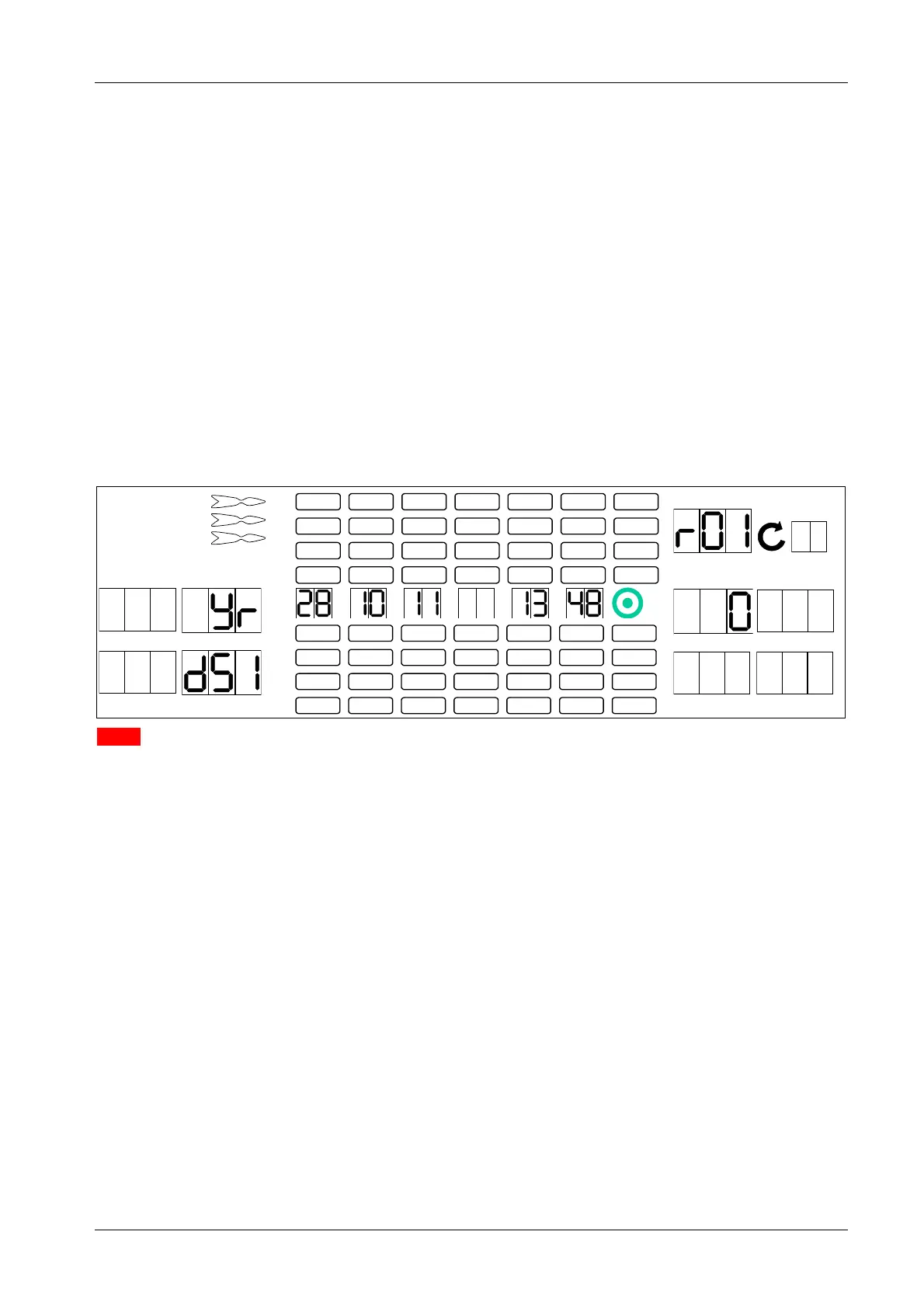
The Cricket digits show the current settings for day, month, year, hour (24 hour clock), and minute.
1 2
3 4
1
2
3
4
5
6
7
8
TEMP SCORE
5 6
7 8
6. Please note that the game does not accept dates prior to the year 2011. At first, check the year and
adjust if necessary.
Press the [GAMES] or [OPTIONS I] button until you reach the parameter you wish to change.
The following parameters can be adjusted:
r01 - Year (Yr)
r02 - Month (nno)
r03 – Date day (dAt)
r04 - Hour (Hr)
r05 - Minutes (nni)
r06 – Automatic summer-/wintertime changeover (dSt). Factory setting: 0 = no automatic changeover
.
TEMP SCORE display and player 2 display show the corresponding parameter.
7. Press target segments 1 thru 9 and Bullseye (=0) to enter a new value.
The new value will be displayed in the player 5 display.
8. Press the [OPTIONS II] button to confirm. The values shown in the Cricket display will be
automatically updated.
9. Repeat steps 6 thru 8 until all parameters have been adjusted.
10. Press the [PLAYER CHANGE] button to exit.



 To Next Page