Technical Manual LÖWEN Dart HB8
01/2019 66
NOTICE
This feature is not available for country setting Spain.
8. If you wish to exit [without deleting all channel counter readings], press [PLAYER CHANGE] button.
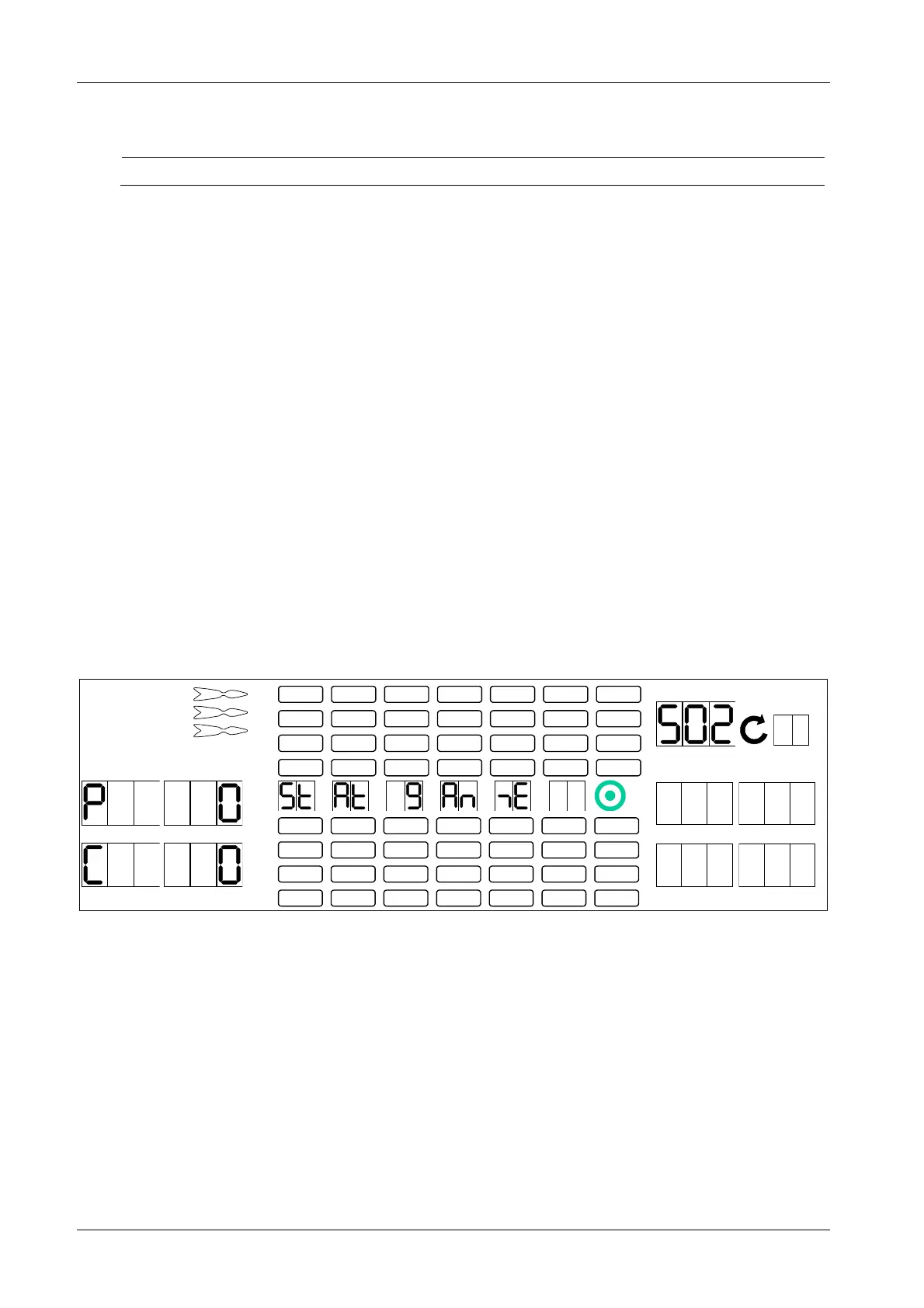
6.2.2 S02 - SEL 9A: View Game Statistics
Displaying game statistics for the individual games/ options.
1. Press [TEST] button on the controller board.
tSt appears in the TEMP SCORE display.
2. Press [GAMES] or [OPTIONS I] button until StA appears in the TEMP SCORE display.
3. Press [OPTIONS II] button to confirm.
S01 appears in the TEMP SCORE display.
4. Press [GAMES] or [OPTIONS I] button until SEL 9A appears in the player 1 – 2 display and S02 in the
TEMP SCORE display.
5. Press [OPTIONS II] button to confirm.
6. Press [GAMES] button until the desired game’s LED is illuminated in the Games Option Panel.
7. Press [OPTIONS I] button to select the desired option for the selected game. Player 1 – 2 display
shows number of players, player 3 – 4 display shows required number of credits for the selected game
and options.
1 2
3 4
1
2
3
4
5
6
7
8
TEMP SCORE
5 6
7 8
8. Repeat steps 6 and 7 to select further games/ options. The display will update automatically to show
the number of players and credits for the corresponding game/ option.
9. Press [PLAYER CHANGE] button to exit.



 To Next Page