Technical Manual LÖWEN Dart HB8
01/2019 65
6.2.1 S01 - SEL CN: View Coin Statistics
Displaying coins/ banknotes registered in the individual channels, and total value of all registered coins/
banknotes.
1. Press [TEST] button on the controller board.
tSt appears in the TEMP SCORE display.
2. Press [GAMES] or [OPTIONS I] button until StA appears in the TEMP SCORE display.
3. Press [OPTIONS II] button to confirm.
SEL CN appears in player 1 – 2 display and S01 in the TEMP SCORE display.
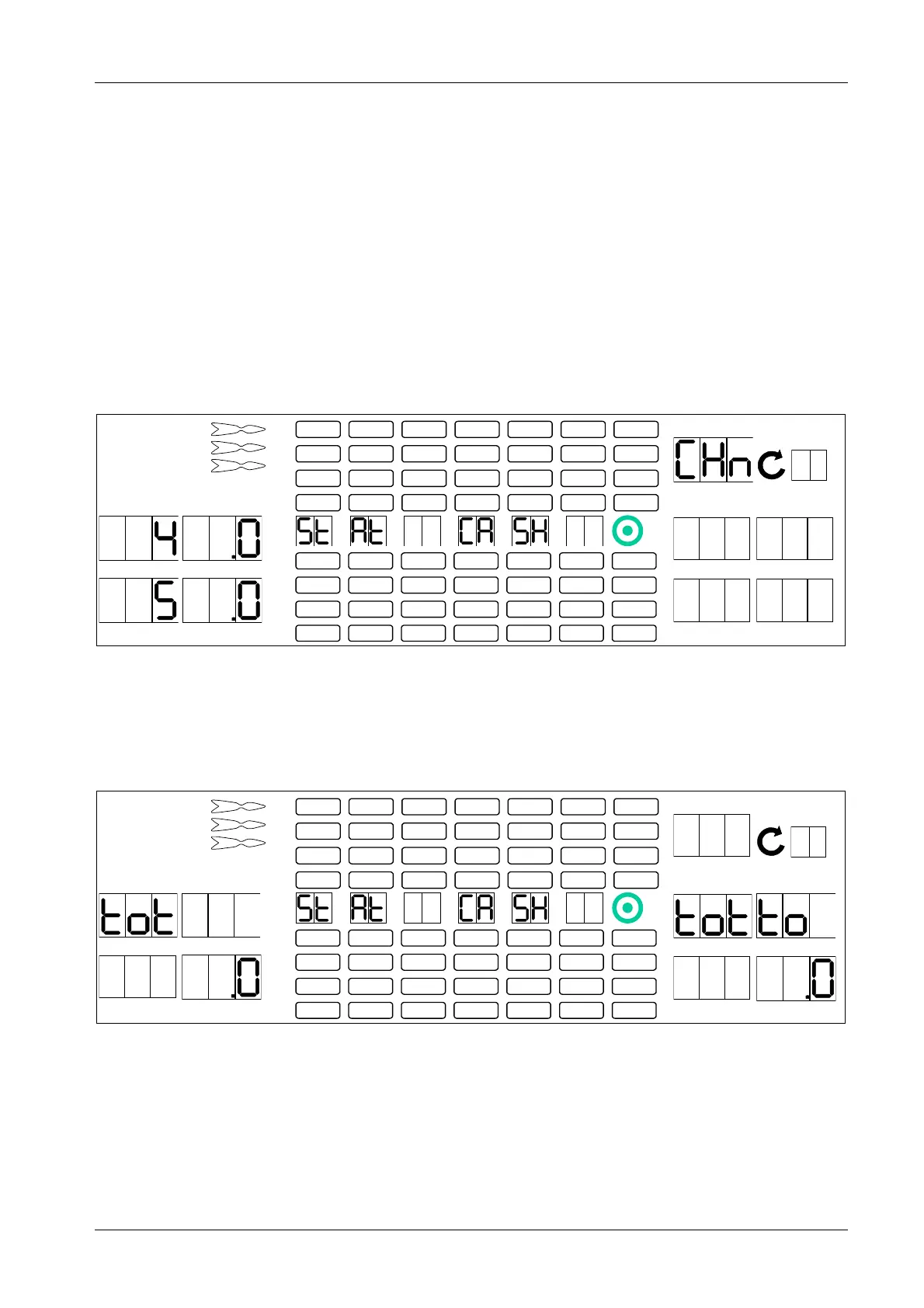
4. Press [OPTIONS II] button to confirm. TEMP SCORE display shows CHn.
1 2
3 4
1
2
3
4
5
6
7
8
TEMP SCORE
5 6
7 8
5. Press [GAMES] button repeatedly to view all programmed coin channels 1 thru 6.
The number of the coin channel (1 thru 6) appears in player 1 display, the number of coins/ banknotes
for this channel appears in player 2 display.The next channel appears in player 3 display, and the
number of coins/ banknotes for this channel appears in player 4 display, etc.
6. Press [OPTIONS I] button to view the total value tot of all registered coins/ banknotes in player 1 – 4
display, and the total value tot to of all registered token in player 5 – 8 display.
1 2
3 4
1
2
3
4
5
6
7
8
TEMP SCORE
5 6
7 8
7. If you want to delete the counter readings in all channels, press [TEST] button on the controller board.
Player 1 – 2 display will show CN SEL.



 To Next Page