Technical Manual LÖWEN Dart HB8
01/2019 64
6.2 Entering Statistics Mode
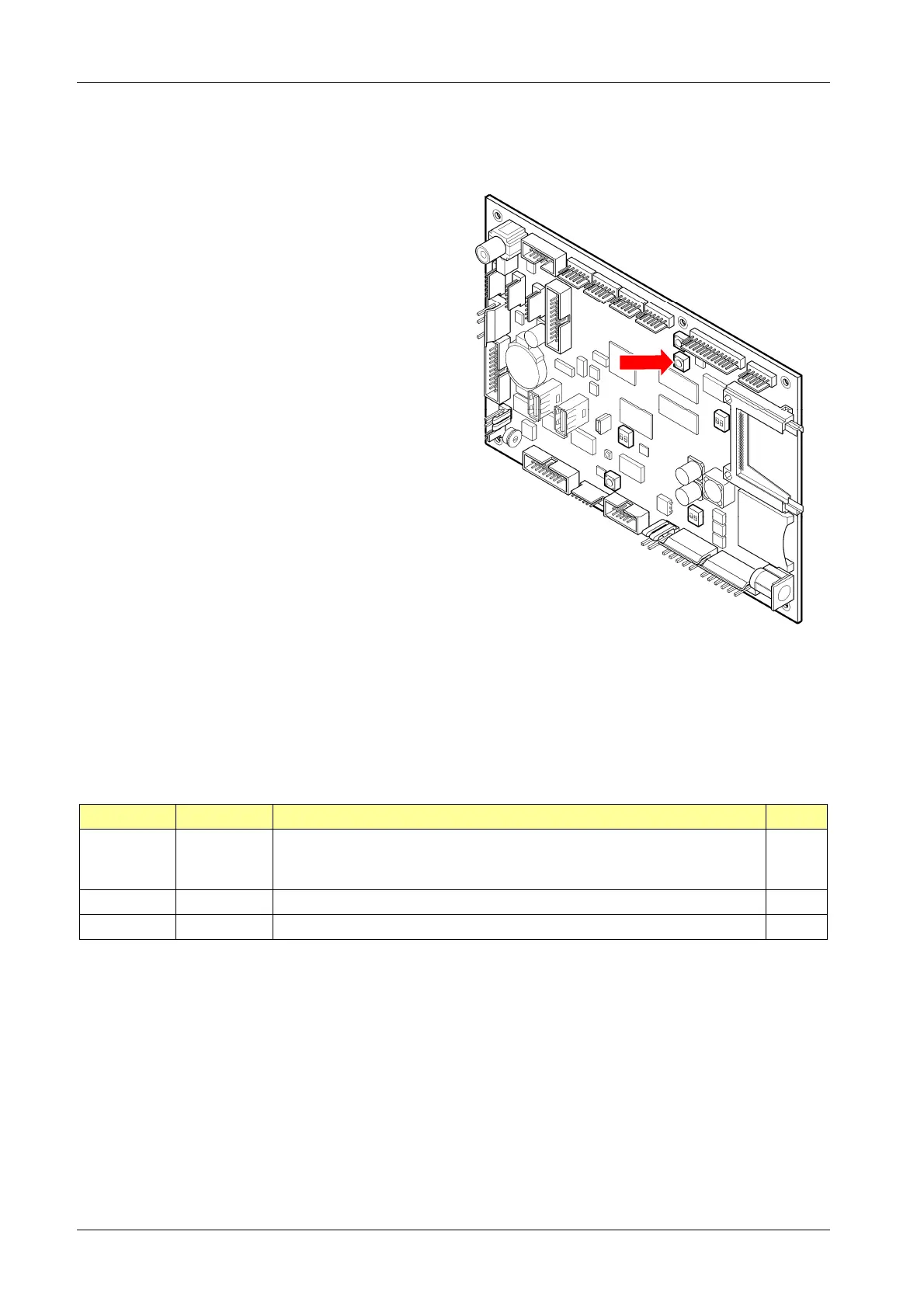
1. Press [TEST] button on the controller board.
tSt appears in the TEMP SCORE display.
2. Press [GAMES] or [OPTIONS I] button until StA
appears in the TEMP SCORE display.
3. Press [OPTIONS II] button to confirm.
4. If required:
If a security code has been programmed, enter it
now (compare chapter 6.1.4 P04 - SEL SEC:
Security Code).
SEL CN appears in player 1 – 2 display, and
S01 in the TEMP SCORE display.
5. Press [GAMES] or [OPTIONS I] button until the
desired program appears in the TEMP SCORE
display.
6. Press [OPTIONS II] button to confirm.
7. Press [GAMES] button to select.
8. Press [OPTIONS I] button to display your
selection.
9. Press [PLAYER CHANGE] button to exit
statistics mode.
Overview Statistics Programs:
Program Display Description Page
S01 SEL CN Coin Statistics: Displaying coins/ banknotes registered in the
individual channels, and total value of all
registered coins/ banknotes.
65
S02 SEL 9A Game Statistics: Displaying game statistics. 66
S03 SEL tP Credit Statistics: Displaying credits and bonus credits. 67
[TEST]
BUTTON



 To Next Page