Technical Manual LÖWEN Dart HB8
01/2019 50
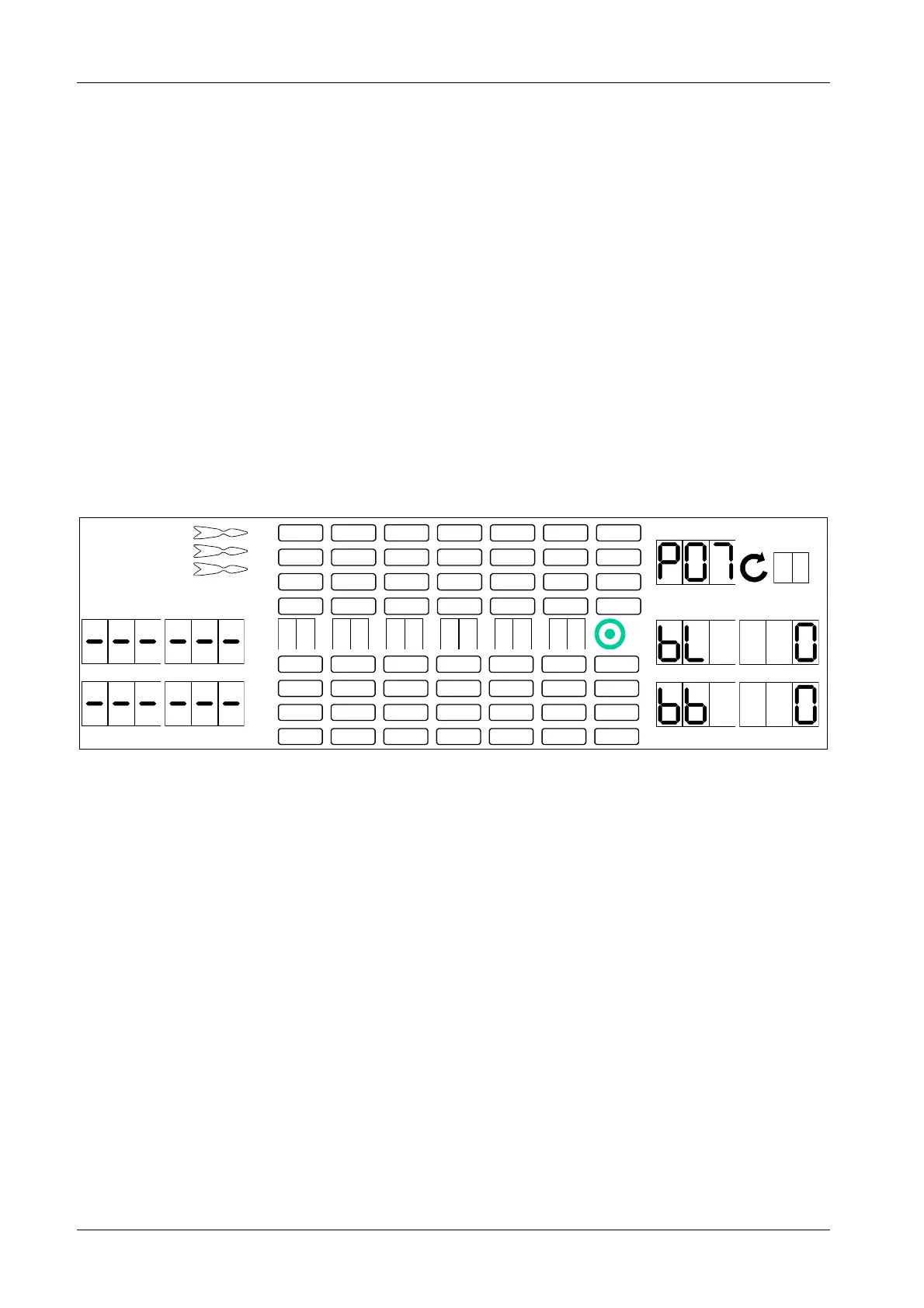
6.1.7 P07 - SEL HHP: Happy Hour Credits Programming
Happy Hour can be programmed for each day of the week and, if desired, with bonus credits.
1. First, check the machine’s date and time setting.
If necessary, adjust date and time as described in chapter 6.1.6 Date and Time Programming.
2. Press [TEST] button on the controller board.
tSt appears in the TEMP SCORE display.
3. Press [GAMES] or [OPTIONS I] button until Pr9 appears in the TEMP SCORE display.
4. Press [OPTIONS II] button to confirm.
P01 appears in the TEMP SCORE display.
5. Press [GAMES] or [OPTIONS I] button until SEL HHP appears in the player 1 – 2 display and P07 in
the TEMP SCORE display.
6. Press [OPTIONS II] button to confirm.
The round display starts flashing, and shows the current weekday for the Happy Hour slot.
1 2
3 4
1
2
3
4
5
6
7
8
TEMP SCORE
5 6
7 8
7. Use [GAMES] or [OPTIONS I] button to select Happy Hour weekdays (1 = Monday thru 7 = Sunday).
8. Press [OPTIONS II] button to confirm the selected weekday. The LED above player 1 display is
flashing (start – hour).
9. Press segments 1 thru 9 and Bullseye (= 0) to enter a new value. The new value will be displayed in
the TEMP SCORE display. If you press a segment higher than 9, the correspondig Happy Hour slot
will be deleted. This will be displayed by "- - -".
10. Press [OPTIONS II] button to confirm the respective entry or press [PLAYER CHANGE] button if you
still wish to change the entry. The corresponding entry is now flashing again.
11. Repeat steps 9 and 10 until all settings have been done.
Start-Hour → Start-Minute → Duration-Hour → Duration-Minute →
Bonus-Level bL → Bonus-Credit bb
12. Press [PLAYER CHANGE] button to exit.



 To Next Page