5 User Interface
35
For functions such as Calibration and Restoring Setup, press the ”ENTER” key to
initiate the function, the system will then ask for confirmation. Press “ENTER” to
continue or “UP” or ”DOWN” to cancel the function. e.g.
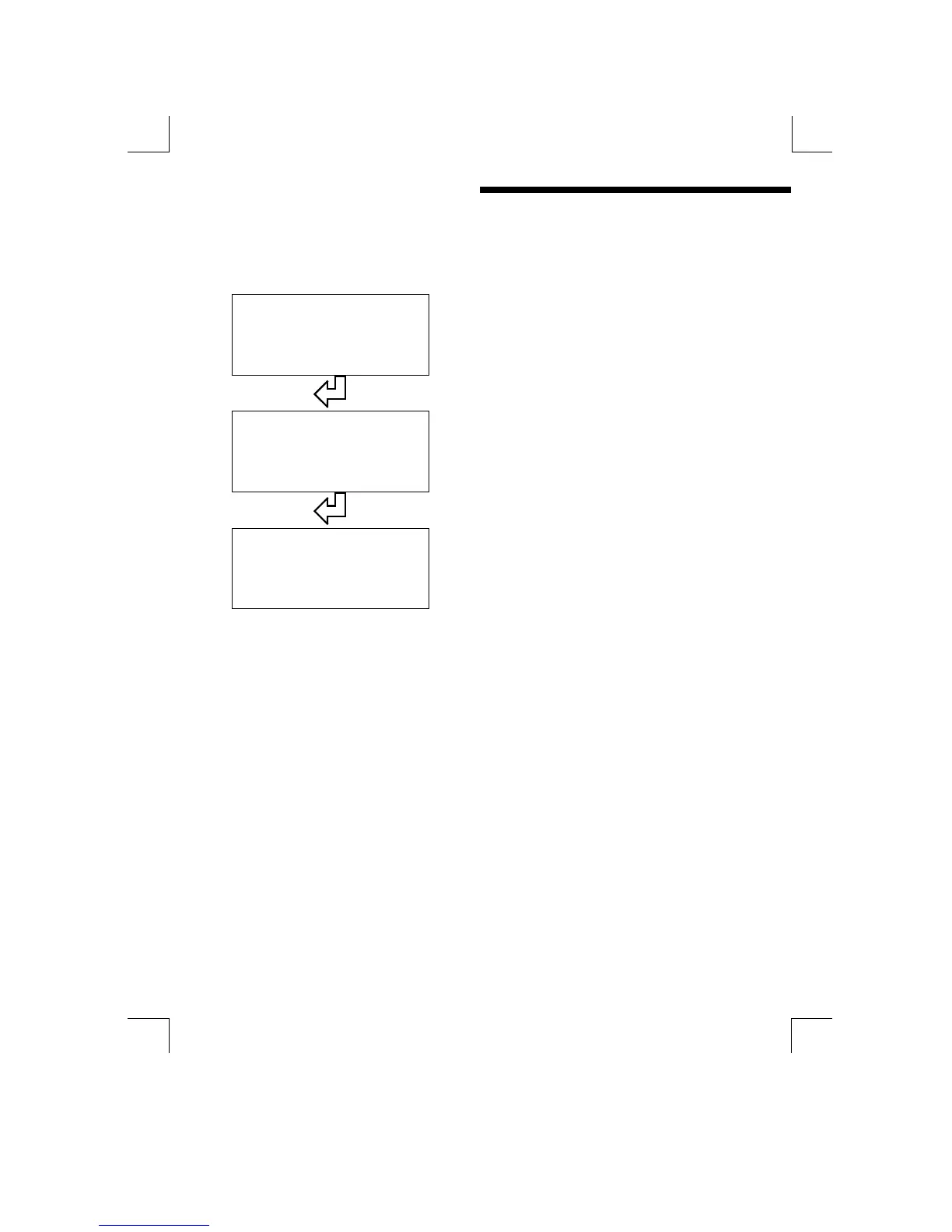
Restore Setup B
Select the required function and press the
“ENTER” key.
Are You Sure ?
To continue press the “ENTER” key again
To abort the “Restore”, press any other
key
Restoring
When the setup has been restored, the
system will return to the main display.
The following sections of this guide describe in more detail each of the menus and
their functions.


 To Next Page