5 User Interface
34
UNIT CONFIGURATION
Editing of discrete values (such as Set Point Level or Fixed Temperature Input) is
performed in the same way as described previously for the access code entry.
Changing states (such as Units or Set Point Mode) is achieved in a similar fashion.
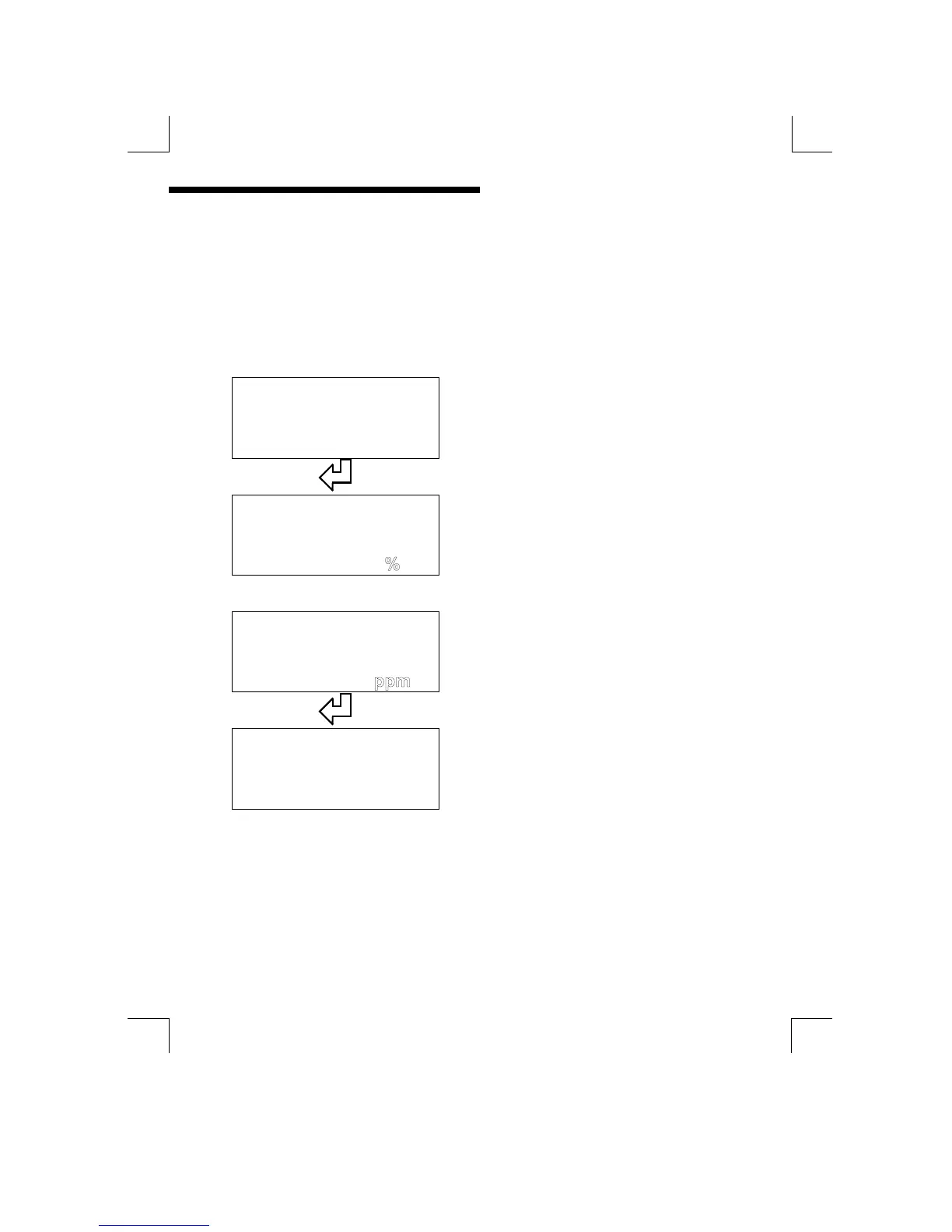
E.g. Using the “Units” menu function (in the “Parameters” menu). Press the
“ENTER” key to start the text flashing. Press the “UP” and “DOWN” keys to cycle
through the displayed states, then press “ENTER” to select the required state.
Units : %
Press “ENTER” to start the units
flashing
Units :
Ø
ØØ
Ø ×
××
×
Use the “UP” and “DOWN” keys to
cycle through the flashing options
Units :
Press “ENTER” to select the
flashing option
Units : ppm


 To Next Page