10 Calibration
63
CURRENT OUTPUT CALIBRATION
The user is provided with an opportunity to adjust the current output, to calibrate
any equipment that may be being used to monitor the current output signal. To
adjust the current output select the “Current Output” menu item in the
“Calibration” menu. Please keep in mind that the current output cannot go below
0mA. The maximum offset is ±2mA. If two current outputs are fitted they are
referred to as A and B respectively.
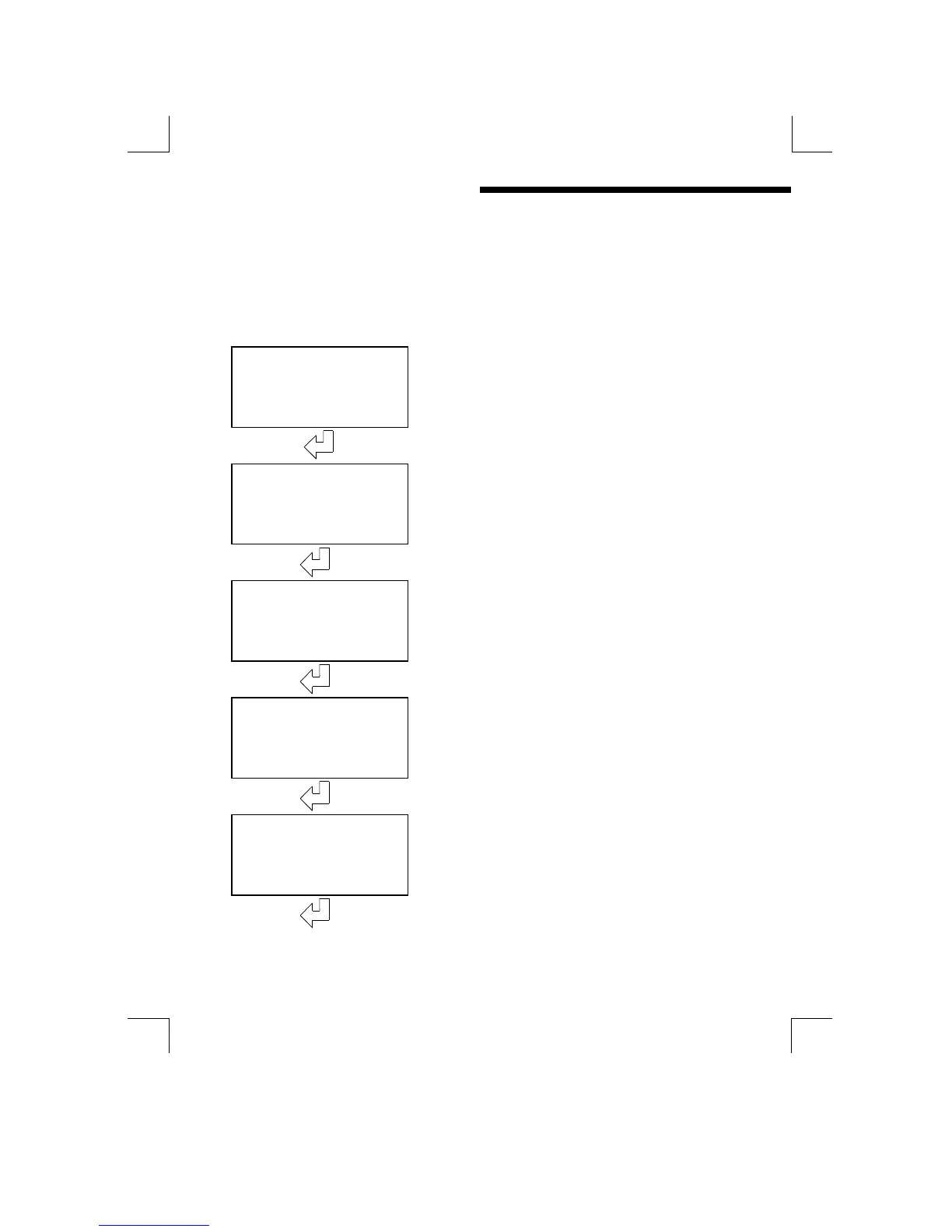
Current Out
ut
Current Output Calibration
(0,4 & 20mA levels)
Press to start calibration
Are You Sure?
The unit will request confirmation before
beginning the calibration
Press to confirm, any of the other 3 buttons
abandons the temperature calibration.
Ad
ust 0mA
Use the Ø and × keys to adjust the output to
give 0.00mA at the output monitor.
Press “ENTER” to finish.
Ad
ust 4mA
Use the Ø and × keys to adjust the output to
give 4.00mA at the output monitor.
Press “ENTER” to finish.
Ad
ust 20mA
Use the Ø and × keys to adjust the output to
give 20.00mA at the output monitor.
Press “ENTER” to finish.


 To Next Page