10 Calibration
64
RESETTING THE USER CALIBRATION
If required the user can reset all of the user calibrations to their default states by
selecting the “Reset User Cal.” menu item .
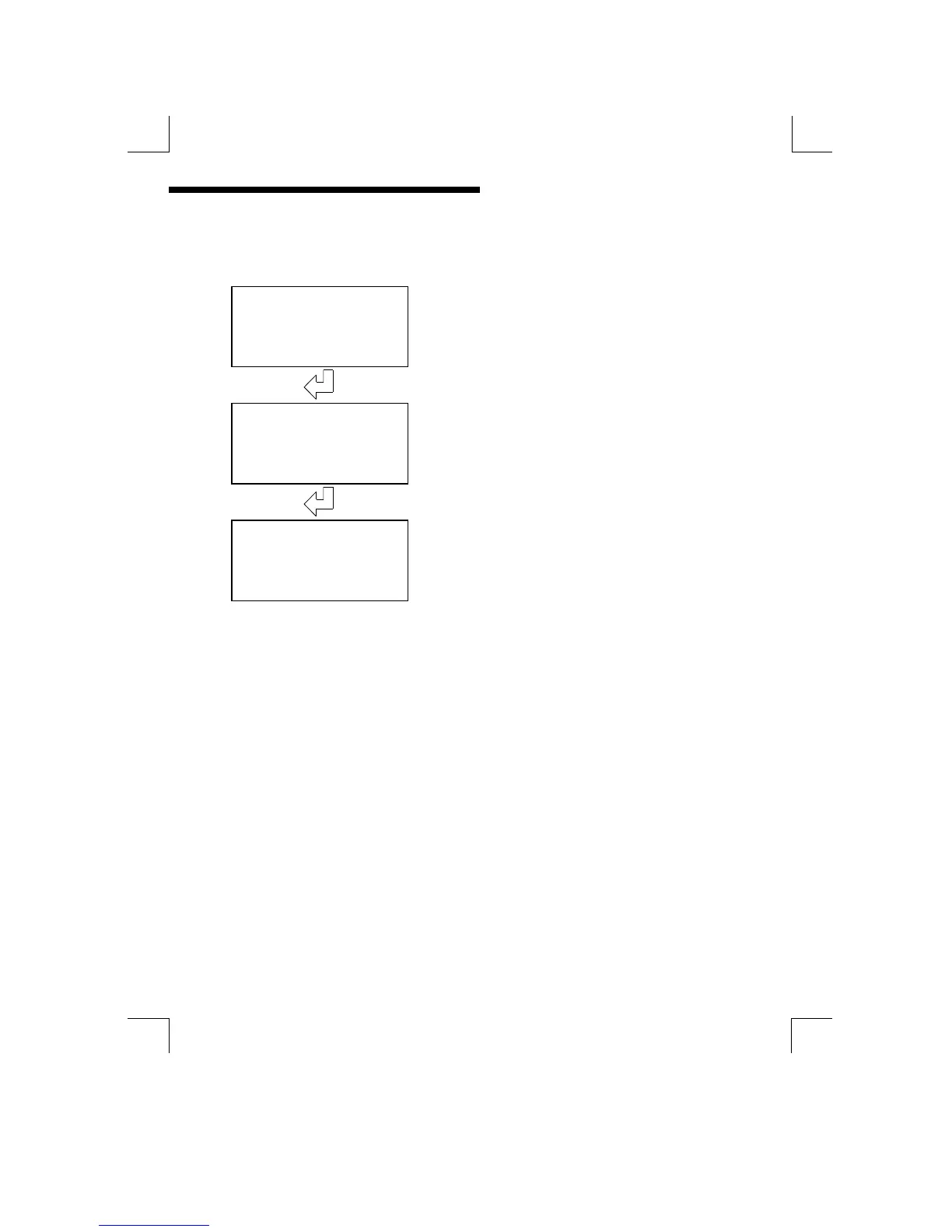
Reset User Cal
Reset all User calibrations to default states
Press “ENTER” to initiate reset
Are You Sure?
The unit will ask for confirmation before
resetting the user calibrations.
Press “ENTER” to confirm
Resettin
The display will appear as shown whilst the
unit is resetting the calibrations. It will return
to the top of the Calibration menu when
complete


 To Next Page