in Disabled
Enabled
Select whether “Pressure Damping” is
active
Ø
ØØ
Ø ×
××
×
1.00
1.001.00
1.00
Atm
Pressure Limit A
Enter “From” limit. Damping is applied
when input pressure presents a step
change from Limit A to Limit B
Ø
ØØ
Ø ×
××
×
3.50
3.503.50
3.50
Atm
Pressure Limit B
Enter “To” Limit.
Ø
ØØ
Ø ×
××
×
Input Mode
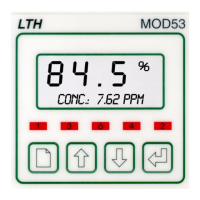
The MOD53 is designed to accept either direct 4-20mA input, or to interface to a
24V loop powered transmitter. Care should be taken when connecting the unit to
ensure that the cable resistance is not too great, which will lead to too great a
voltage drop over length of the cable.
For the direct input configuration the input resistance is 100Ω. The necessary
supply voltage will depend on whether there any other monitors in the loop. The
maximum required will be = 22mA X Total In-Line resistance (including the cable
resistance).


 To Next Page