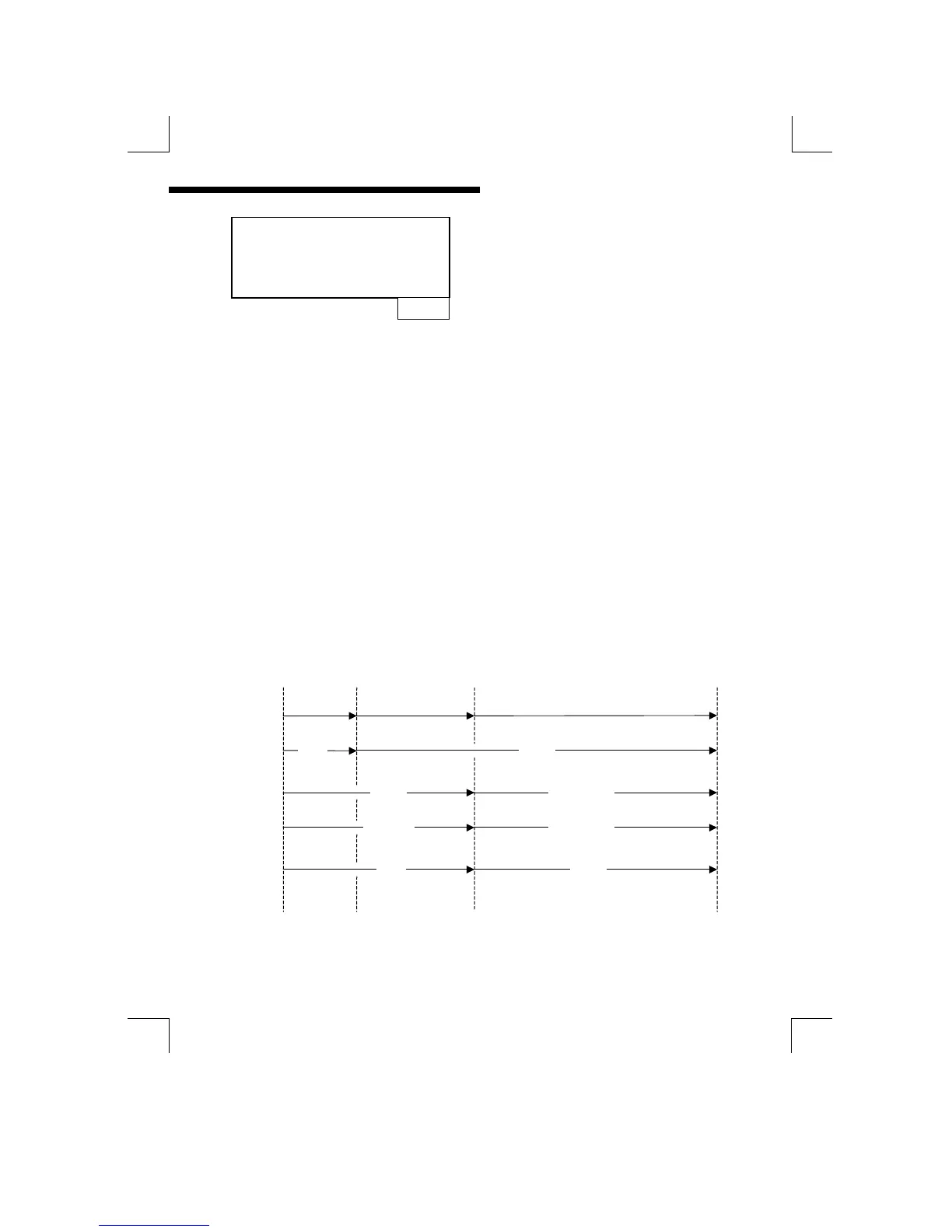
Y
N
When operating in “On-Line” state, “Y”
forces the cleaning to wait until all
relays are inactive.
(Only appears when state = “On-Line”)
Manually taking the instrument Off-Line will prohibit or terminate a “Clean” cycle. If
the instrument is Off-Line when a “Clean” cycle is requested, either automatically
or manually, the message “Cleaning Delayed” will flash on the bottom row of the
display until it is either cancelled using the “ENTER” key, or cleaning is initiated by
placing the unit back in the On-Line state. The instrument can be taken Off-Line
during a “Clean” cycle. This will de-energise the set point relays and freeze the
current output which could otherwise cause chaos in the control system as a result
of cleaning solution being sprayed onto the sensor.
By selecting the automatic Off-Line facility in the menu, spurious relay / current
output changes are prevented during the Duration and Recover periods. Normal
operation is restored during the Interval period. The clean Delay function gives
priority to the control relays. This means that a “Clean” cycle will be delayed for as
long as necessary until the control relays are in the “Off” state.
A manual clean cycle can be initiated by a remote switch/contacts connected to
the instrument digital input terminals. The “Clean” cycle software runs
automatically and continuously from power up if selected, beginning with the
Interval period. It can only be stopped by changing the operating mode of the
output which it is controlling.
Typical Operation with Clean Offline
Duration
Clean
Relay
Set point
Relay
Current
Output
Offline
Lamp
on
Recovery Interval
off
off
offon
Hold
Normal
Normal


 To Next Page