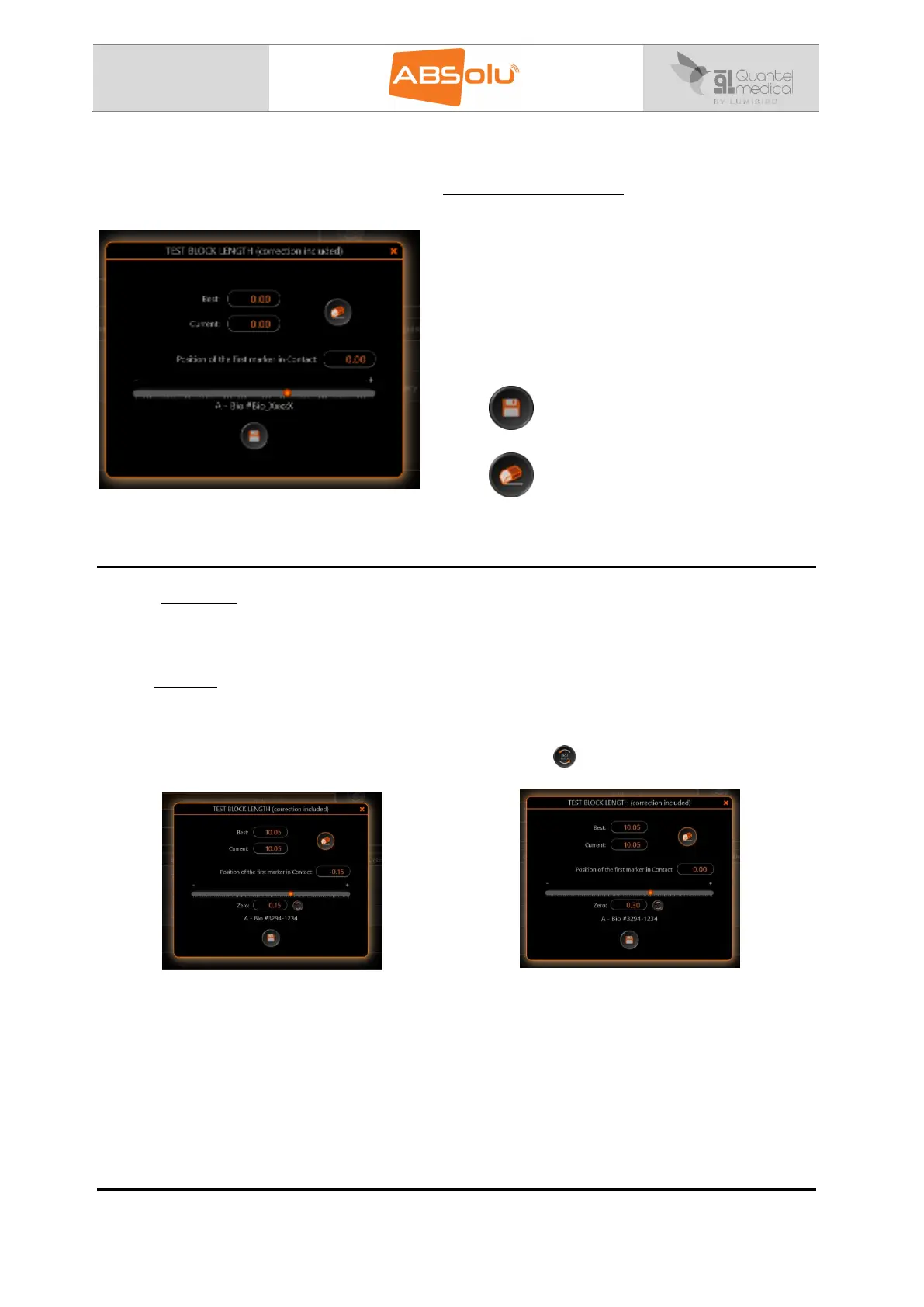
Two values are displayed:
“Best =” is the measurement corresponding to the
best image.
“Current =” is the measurement corresponding to
the current position of the probe.
For a good calibration, the probe should measure a
thickness situated in between 10.00 and 10.11mm. If
the measurement is not within these range (best
and current), the “position of Marker #1 in contact”
cursor should be adjusted.
Select to save the calibration.
Select to erase the “Best” and “Current” fields
and start a new measurement.
“TEST Block”
“TEST Block”
The Zero (Probe) field at the bottom of the TEST Block window allows the user to reset the
“Position of marker #1 in contact” to zero as shown below so that when using the regular
ABSOLU application the Correction appears to be “0” with the correct probe calibration.
Example:
After biometry probe calibration, the
TEST Block Length measurement is
correct when the Correction for the
Position of marker #1 in Contact is -
0.30mm:
Entering 0.30 in the Zero (Probe) field
allows the user to reset the Position of
marker #1 in Contact to 0mm; or click on
the “ ” icon:



 To Next Page