LUMIPro 2017
iv
Tips and Hints - FAQs for Existing Users (continued)
Q: Second Life ate my HUD (or maybe I just accidentally deleted it); how can I get a new one?
A: Let this be a teaching moment: always start from a copy of your original HUD! Seriously, you have to back things up! en, if you accidentally eat your HUD, you simply grab a new
copy, load it with poses, and away you go. If worse comes to worse, contact us.
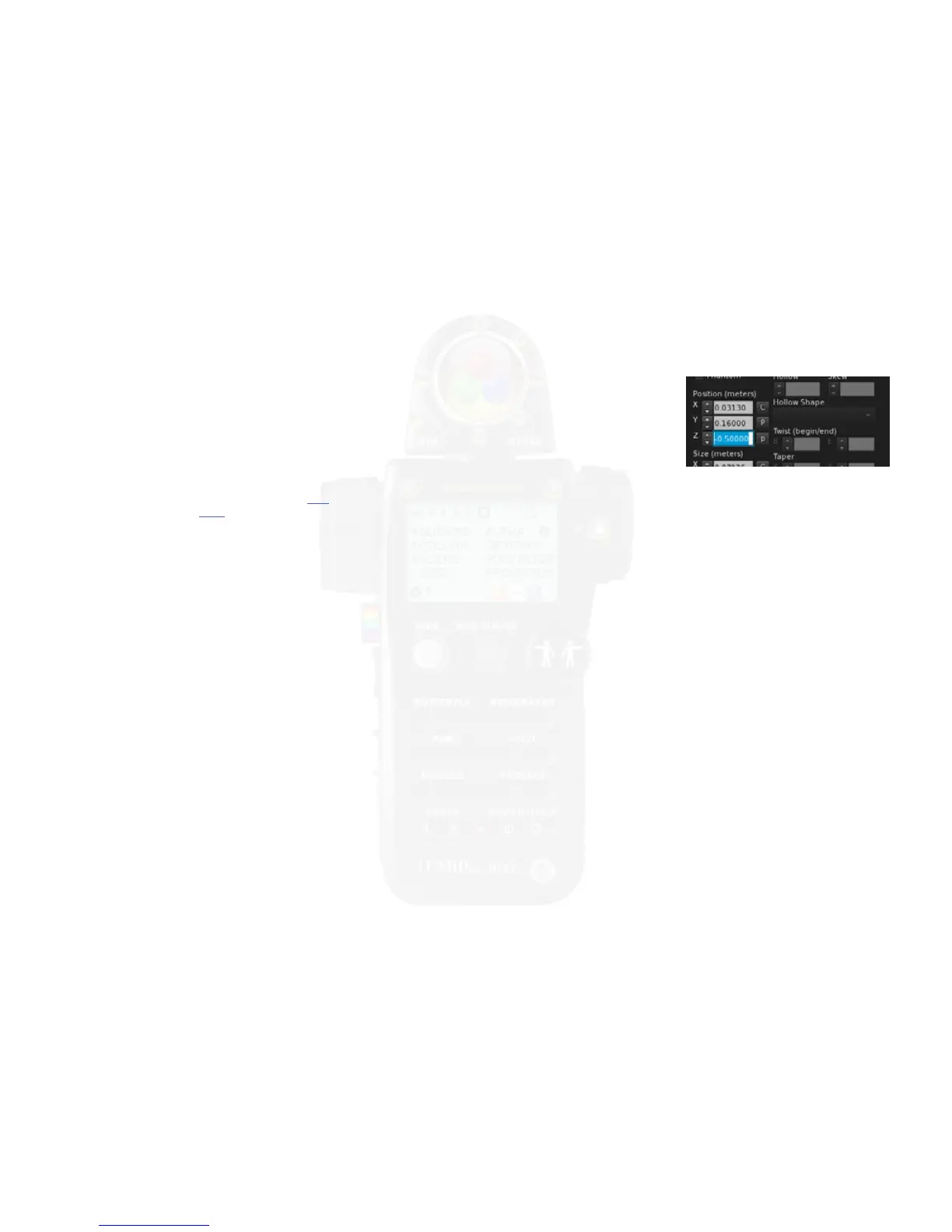
Q: I tried to attached my HUD to another spot on my screen, and it is now all distorted. HELP!
A: To make it so that LUMIPro behaves well when hidden (by not just making it one giant, invisible prim that gets in the way or worse), it
moves most of its parts out of the viewing area. If you’ve moved your HUD too far to the center, or o to the le side, you’ll see everything,
and it will make your screen a mess. But don’t panic! Simply go into Edit mode, and use the handles to move the HUD back to the right side
of the screen, or in the Edit mode, go to the Object tab and in the Position section, enter 0.17 in the eld to the right of the Y, and -0.5 in the
eld to the right of the X, as shown:
Q: Now that I own the HUD where can I get more information?
A: We have a wealth of online resources, including our blog, which includes a link to our manual; our in-world LUMIPro group where users ask questions, get answers, and get to know
each other; and we also have a Flickr page, where our users post their LUMIPro-lit works for all to enjoy. You can even contact Sammi, Stefan, or Lyrical directly for help. Don’t forget to
sign up for our group in world, and happy shooting!


 To Next Page