LUMIPro 2017
9
Lighting - Wearable Lights
LUMIPro is all about the lights. Rez them, wear them, and share them
to your heart’s content—you have the One HUD to control them all!
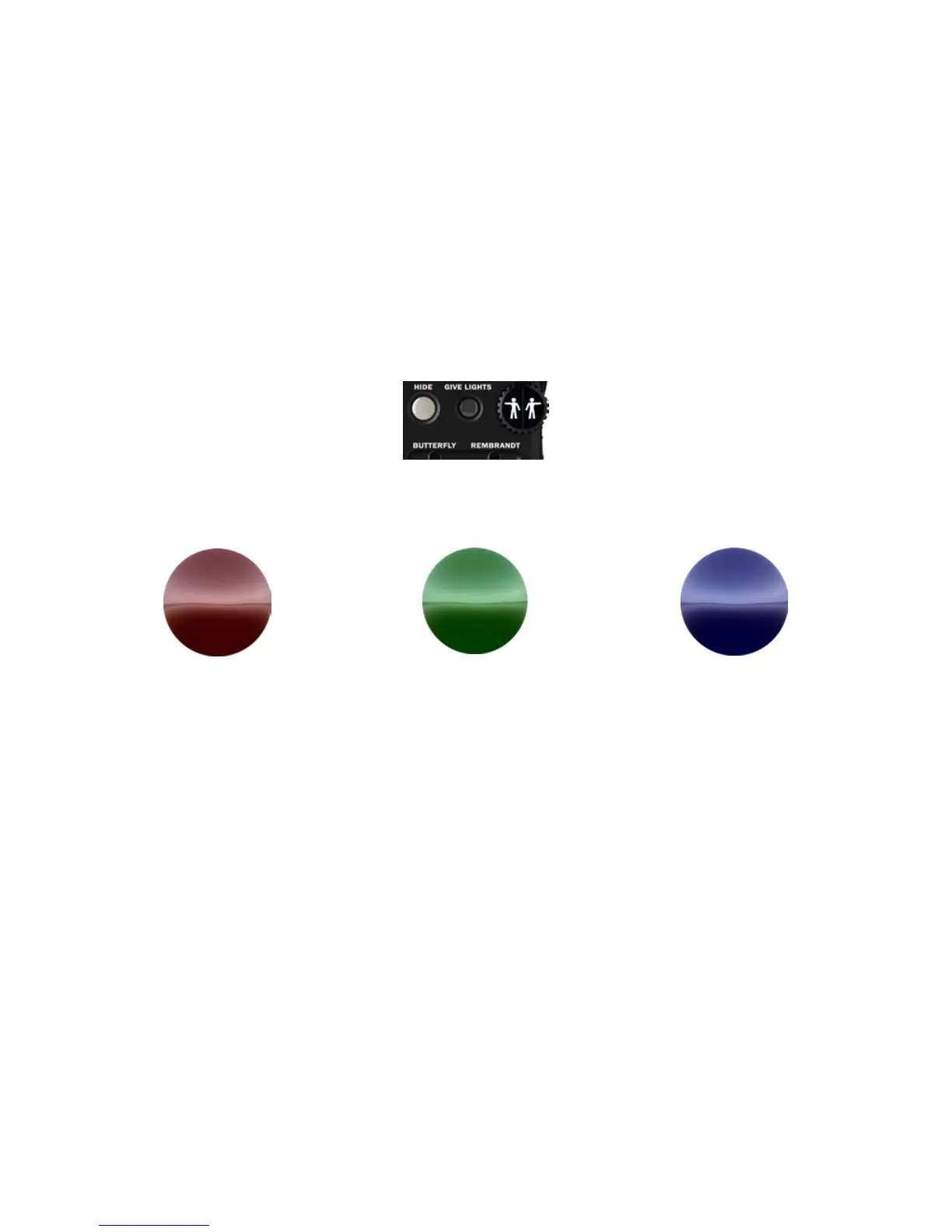
e rst thing you will want to do is give your model (or yourself) a
set of wearables. To get them, click the GIVE LIGHTS button on the
HUD (helpfully pointed out here by our friend Le Wheelie), and a
folder named LUMIPro Talent: Right-click ADD this folder will be
sent to the model displayed in yellow under the Toolbox.
e red ball is typically the primary light,
and replaces the standard face light. It is
usually positioned somewhere in front of
the head. Whether general or dramatic,
the red ball is your go-to light.
e green ball is the accent light, and is
generally used as a ll light or for bal-
ance. is is best seen in the Rembrandt
preset, where the green light highlights
the back and side of the neck and head.
e blue ball’s purpose in life is to add
general illumination to the body of the
avatar, adding enough light to bring out
details that might otherwise remain hid-
den with just one or two lights.
LUMIPro’s wearable lights use an invisible prim to attach to the avatar’s chin. ey come in three delicious avors: Cherry Red, Lime Green, and Berry Blue. You can also just call them
simply red, green, and blue balls. We don’t mind. While any light can be used to light your here, there, or everywhere, the standard setup uses the lights in the following way:
When you rst put them on, they may seem bigger than you expected. is makes them easy to move around when attached to your model, but might otherwise be in the way more oen
than you’d like. We recommend shrinking them down to a manageable size once they’re positioned the way you like. It doesn’t matter what size they are—the light always emanates from
the very center of the ball, uses the slider settings to determine what to illuminate.
You also have the option of wearing a Projector which delivers a shadow-casting beam of light onto your avatar, and features various bulb sizes, shutter and window shadows, and gobos—
solid shapes between you and the light that cast shadows
Wear either the LUMIPro 2017 Wearable Lights, the LUMIPro 2017
Wearable Projector, or both. Do note that because these are worn,
and not rezzed in-world, you can use LUMIPro even in no-rez zones.
ey will even function in no-script zones, as long as they are worn
before entering that zone. And remember: you can control the lights
for up to 10 models from one HUD (including yourself)!
e Red Ball e Green Ball e Blue Ball
Give Lights


 To Next Page