OPERATOR’S STATION
Form # 169017 44 Issue – June 2008
(continued next page)
L1 D130
C
B DISPL
SETUP?
L2 C140
NO /
ES C
LIBR
TE SENSORS?
L1 D130
DISPL
L
NGU
GE?
L2 C140
ENGLISH
L2 C140
ESP
NOL
L1 D130
DISPL
UN I TS?
L2 C140
IMPERI
L
L2 C140
METRIC
L1 D130
CDM BUZ Z ER
OLUME
L2 C140
L1 D130
CDM B
CKL I GHT I NG
L2 C140
L1 D130
CDM CONTR
ST
L2 C140
L1 D130
E
IT DISPL
SETUP?
L2 C140
N O /
ES D I SPL
L
NGU
GE?
L1 D130
C
LIBR
TE SENSORS?
L2 C140
N O /
ES D I
GNOST I C MODE ?
L1 D130
TO C
LIBR
TE SELECT
L2 C140
H E I G H T / T I L T / F L O
T
L1 D130
C
LIBR
TING HEIGHT
L2 C140
R
ISE HE
DER HOLD
L2 C140
R
ISE HE
DER DONE
L1 D130
C
LIBR
TING HEIGHT
L2 C140
LOWER HE
DER HOLD
L2 C140
HDR HE I GHT COMPL ETE
L1 D130
TO C
LIBR
TE SELECT
L2 C140
H E I G H T / T I L T / F L O
T
L1 D130
C
LIBR
TING TILT
L2 C140
E
TEND T I LT HOLD
L2 C140
E
TEND T I LT DONE
L1 D130
C
LIBR
TING TILT
L2 C140
RETR
CT T I LT HOLD
L2 C140
HDR T I L T COMPLETE
L1 D130
TO C
LIBR
TE SELECT
L2 C140
H E I G H T / T I L T / F L O
T
L1 D130
C
LIBR
TING FLO
T
L2 C140
FLO
T
+
HOLD
L2 C140
FLO
T
+
DONE
L1 D130
C
LIBR
TING FLO
T
L2 C140
FLO
T
-
HOLD
L2 C140
HDR F LO
TCOMPLETE
L1 D130
E
IT C
LIBR
TION?
L2 C140
N O /
ES TO C
LIBR
TE SELECT
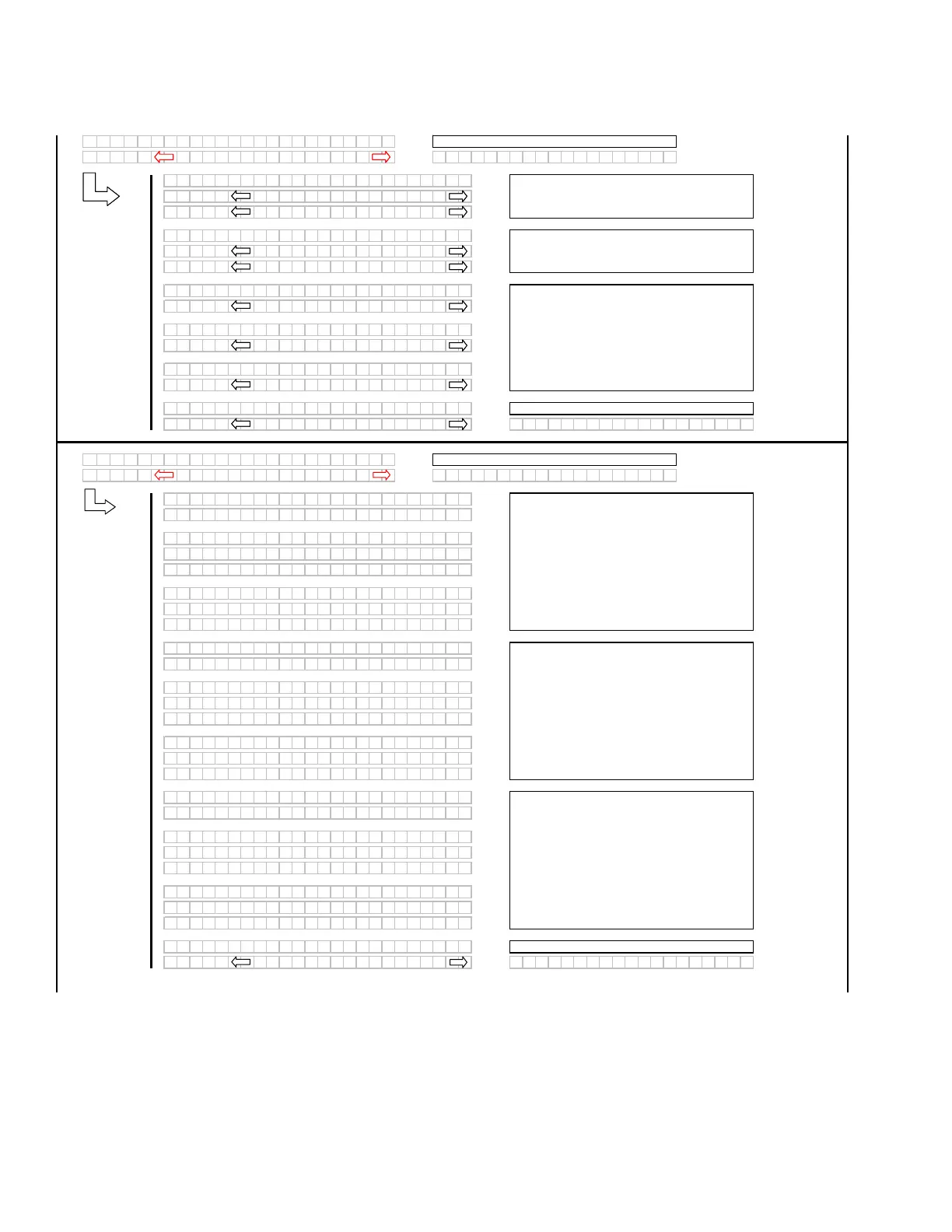
The operator can select any of the three items
requiring calibration.
If "NO" then jump to:
The operator can select any of the three items
requiring calibration.
When a function is activated, the display will
indicate the function being calibrated. HOLD will
flash until the system has completed reading in
the signal with the header fully raised.
DONE will flash and prompt the operator to
COMPLETE the sensor calibration by lowering
the header.
The "arrow" keys are used to select between
IMPERIAL or METRIC. The default value will be
displayed first.
The "arrow" keys are used to change the CDM
buzzer volume, CDM backlighting or the CDM
contrast, with the bar graph indicating the
relative level for each item. When "SELECT" is
pressed the program goes to the EXIT
DISPLAY SETUP? menu selection.
If "NO" then jump to:
When a function is activated, the display will
indicate the function being calibrated and HOLD
will flash until the system has completed reading
in the signal with the float fully raised.
DONE will flash and prompt the operator to
COMPLETE the sensor calibration by pressing
FLOAT (-).
If "NO" then jump to:
The operator can select any of the three items
requiring calibration.
When a function is activated, the display will
indicate the function being calibrated and HOLD
will flash until the system has completed reading
in the signal with the tilt fully extended.
DONE will flash and prompt the operator to
COMPLETE the sensor calibration by retracting
the tilt.
If "NO" then jump to:
Use the "arrow" keys to change the default
language. Pressing "SELECT" goes to the next
L1 menu selection.



 To Next Page