OPERATOR’S STATION
Form # 169017 46 Issue – June 2008
L1 D 1 3 0
SENSOR I NPUT
L2 C 1 4 0
HDR HE I GHT SENSOR
L1 D 1 3 0
SENSOR I NPUT
L2 C 1 4 0
HDR
NGL E SENSOR
L1 D 1 3 0
SENSOR I NPUT
L2 C 1 4 0
2.45
FLO
TSENSOR
L1 D 1 3 0
SENSOR I NPUT
L2 C 1 4 0
KN I FE SPEED SENSOR
L1 D 1 3 0
SENSOR I NPUT
L2 C 1 4 0
REEL SPEED SENSOR
L1 D 1 3 0
CT I
TE FUNCT I ONS?
L2 C 1 4 0
NO / YES FORCE HE
DER TYPE?
L1 D 1 3 0
CT I
TE FUNCT I ONS?
L2 C 1 4 0
HE
DER DOWN / UP
L1 D 1 3 0
CT I
TE FUNCT I ONS?
L2 C 1 4 0
REEL DOWN / UP
L1 D 1 3 0
CT I
TE FUNCT I ONS?
L2 C 1 4 0
HDR T I L T I N / OUT
L1 D 1 3 0
CT I
TE FUNCT I ONS?
L2 C 1 4 0
KN I F E DR I
EON
L1 D 1 3 0
CT I
TE FUNCT I ONS?
L2 C 1 4 0
DR
PER /
UGER ON
L1 D 1 3 0
CT I
TE FUNCT I ONS?
L2 C 1 4 0
REEL FORE /
FT
L1 D 1 3 0
CT I
TE FUNCT I ONS?
L2 C 1 4 0
DW
DR I
EON
L1 D 1 3 0
CT I
TE HYD PURGE?
L2 C 1 4 0
NO/ YES
L1 D 1 3 0
TO
CT I
TE PURGE
L2 C 1 4 0
PRESS
ND HOLD
L1 D 1 3 0
PURGE CYCLE ST
RTED
L2 C 1 4 0
PRESS
ND HOLD
L1 D 1 3 0
PURGE CYCLE ENDED
L2 C 1 4 0
L1 D 1 3 0
PURGE CYCLE ENDED
L2 C 1 4 0
NO E
IT YES
L1 D 1 3 0
EX I T FUNCT I ON MENU?
L2 C 1 4 0
NO/ YES HE
DER DOWN / UP
L1 D 1 3 0
FORCE HE
DER TYPE?
L2 C 1 4 0
NO / YES E
IT DI
GNOS T I CS ?
L1 D 1 3 0
SELECT HE
DER TYPE
L2 C 1 4 0
DISK HE
DER
L2 C 1 4 0
SK
UGER
L2 C 1 4 0
DK
UGER
L2 C 1 4 0
GR
SS SEED
L2 C 1 4 0
20 FT SK DR
PER
L2 C 1 4 0
25 FT SK DR
PER
L2 C 1 4 0
30 FT SK DR
PER
L2 C 1 4 0
35 FT SK DR
PER
L2 C 1 4 0
1 5 F T DK DR
PER
L2 C 1 4 0
2 0 F T DK DR
PER
L2 C 1 4 0
2 5 F T DK DR
PER
L2 C 1 4 0
3 0 F T DK DR
PER
L2 C 1 4 0
3 5 F T DK DR
PER
L2 C 1 4 0
4 0 F T DK DR
PER
L1 D 1 3 0
EX I T HE
DER TYPE?
L2 C 1 4 0
NO / YES FORCE HE
DER TYPE?
L1 D 1 3 0
EX I T D I
GNOS T I CS ?
L2 C 1 4 0
NO/ YES DI
GNOS T I C MOD E ?
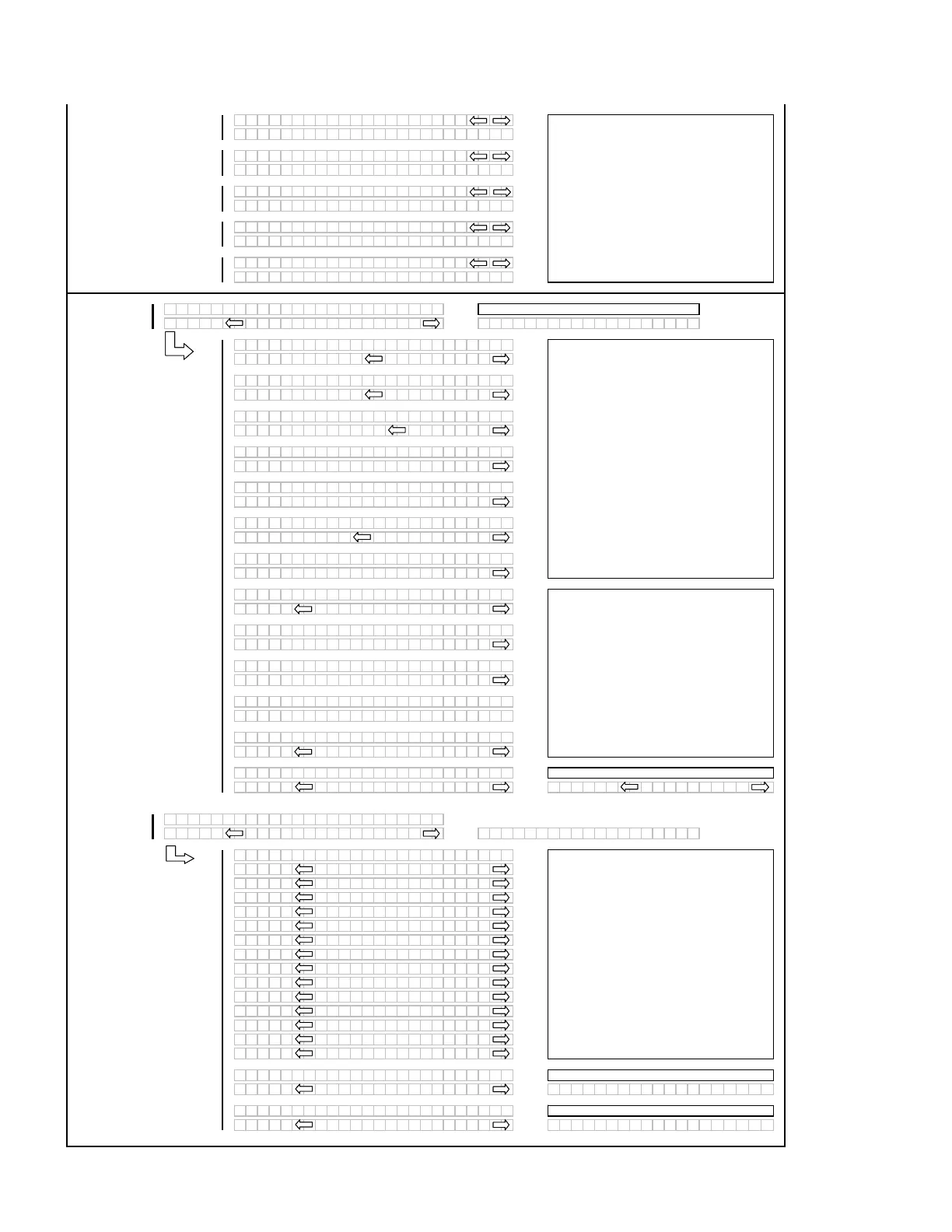
When "SELECT" is pressed the program goes to
the EXIT HEADER TYPE? menu selection.
If "NO" then jump to:
If "NO" then jump to:
Pressing and holding the right hand "arrow" button
activates a predetermined timed purge cycle.
Releasing pressure on the switch or a completed cycle
(timed out) will jump to the PURGE CYCLE ENDED
menu selection.
If "NO" then jump to:
If "NO" then jump to:
This allows the operator to select or "force" a
header ID configuration if a "NO HEADER" ID is
being read by the control system. The header
type will revert back to "NO HEADER" every time
the ignition is cycled.
If a disk header is detected then the nomeclature
should read: DISC DRIVE instead of KNIFE
DRIVE.
PWM OPERATION: If the HAZARD switch is
pressed instead of the TURN SIGNAL switch the
GSL will operate the PWM valve (HAZARD sw
must be held) and the PWM value will reset to
zero when released.
The DWA menu selection should only be
available if the DWA INSTALLED? is set to YES.
ACTIVATE HYD PURGE - This is to allow the operator
to purge the air from a new or changed pump system.
If a sensor has been disabled "SENSOR" will be
flashing in the area where the input reading
would have been.
If "NO" then jump to:
For diagnostic purposes each header function
can be activated by using the "arrow" keys on the
CDM. When "SELECT" is pressed the program
will go to the next function that can be activated.



 To Next Page