Security Chapter 10
Mastersizer 2000 Page 10-7
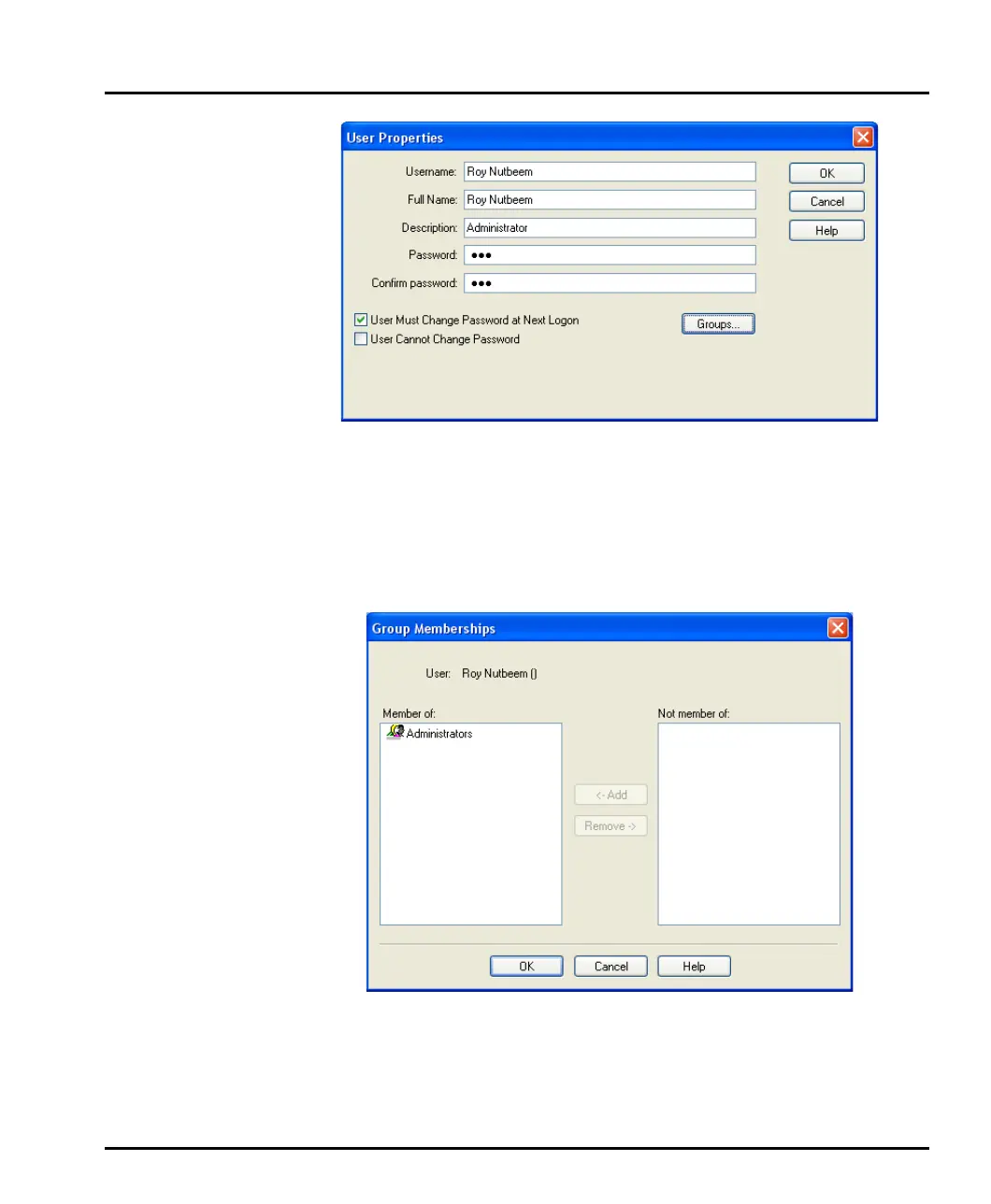
2. Type in the user information in the first three fields.
To set passwords, the recommended approach is for the administrator to spec-
ify a previously arranged password, such as the user’s name, and force the user
to change their password the next time they log on by selecting the User Must
Change Password at Next Logon check box.
3. Press the Groups button to display this Group Memberships dialogue:
4. Use the Add button to allocate the user to appropriate group(s) by moving
each group to the Member of: list.
5. After adding the user to all required groups, click OK.
MAN0384-1.0 Mastersizer 2000.book Page 7 Tuesday, March 20, 2007 8:56 AM



 To Next Page