Chapter 4 Making measurements - a tutorial
Page 4-8 MAN 0384
A manual measurement test
Try making a manual measurement using ordinary single dairy cream. Make sure
the system is connected and powered up, then:
1. Select Measure-Manual. The software will automatically make an electrical
and optical background measurement as well as aligning the optics.
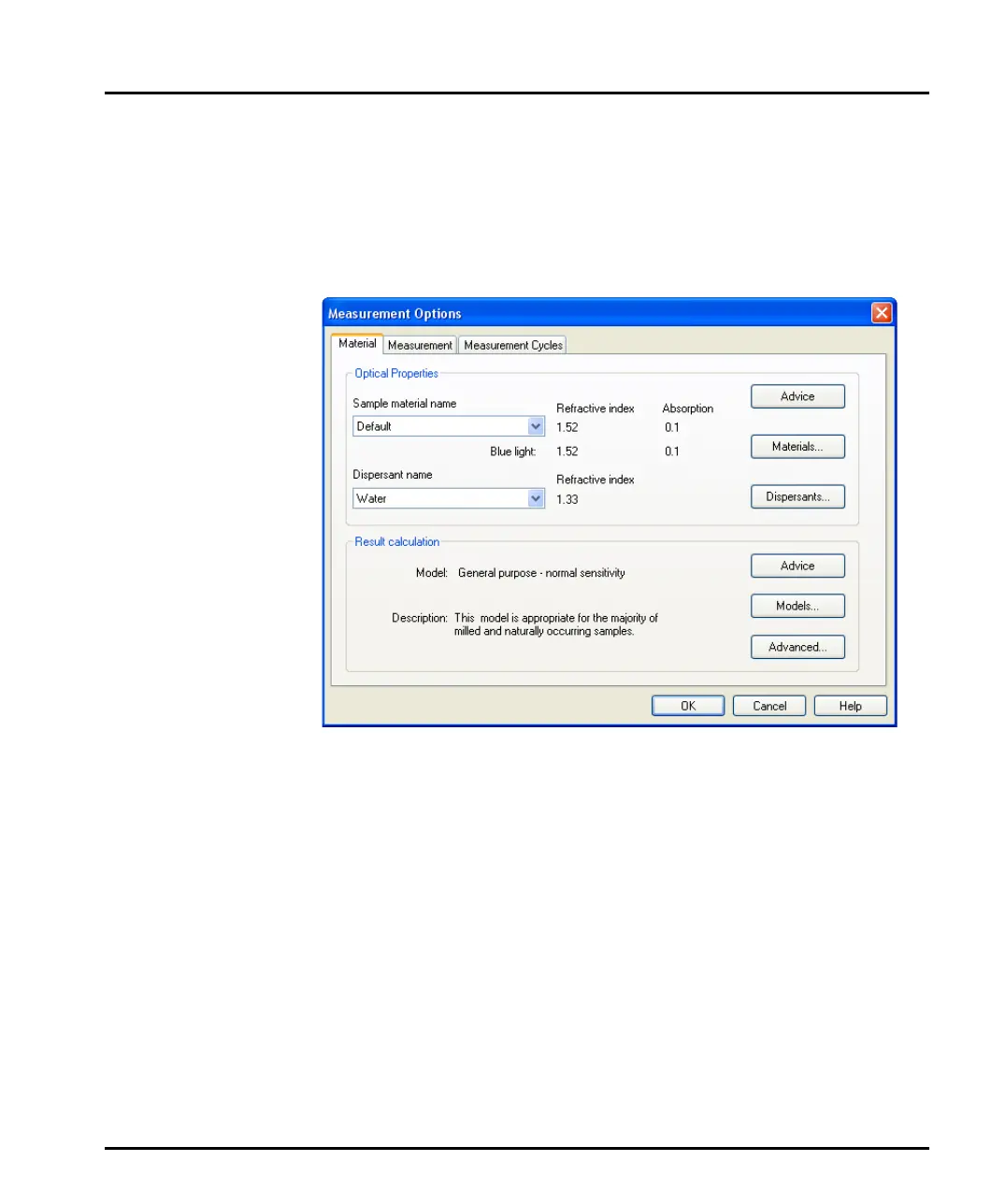
2. Press the Options button to open the Measurement Options dialogue:
Select the Material tab to specify the materials measured. Select Dairy cream
from the Sample material name box. (When measuring their own samples,
the user would specify a new material by pressing the Materials button).
3. This sample is an aqueous emulsion so it should be dispersed in water. Select
Water in the Dispersant name box.
4. Select the Measurement tab (shown below). Change both the Sample meas-
urement time and Background measurement time boxes to 5 seconds.
MAN0384-1.0 Mastersizer 2000.book Page 8 Tuesday, March 20, 2007 8:56 AM



 To Next Page